
Description
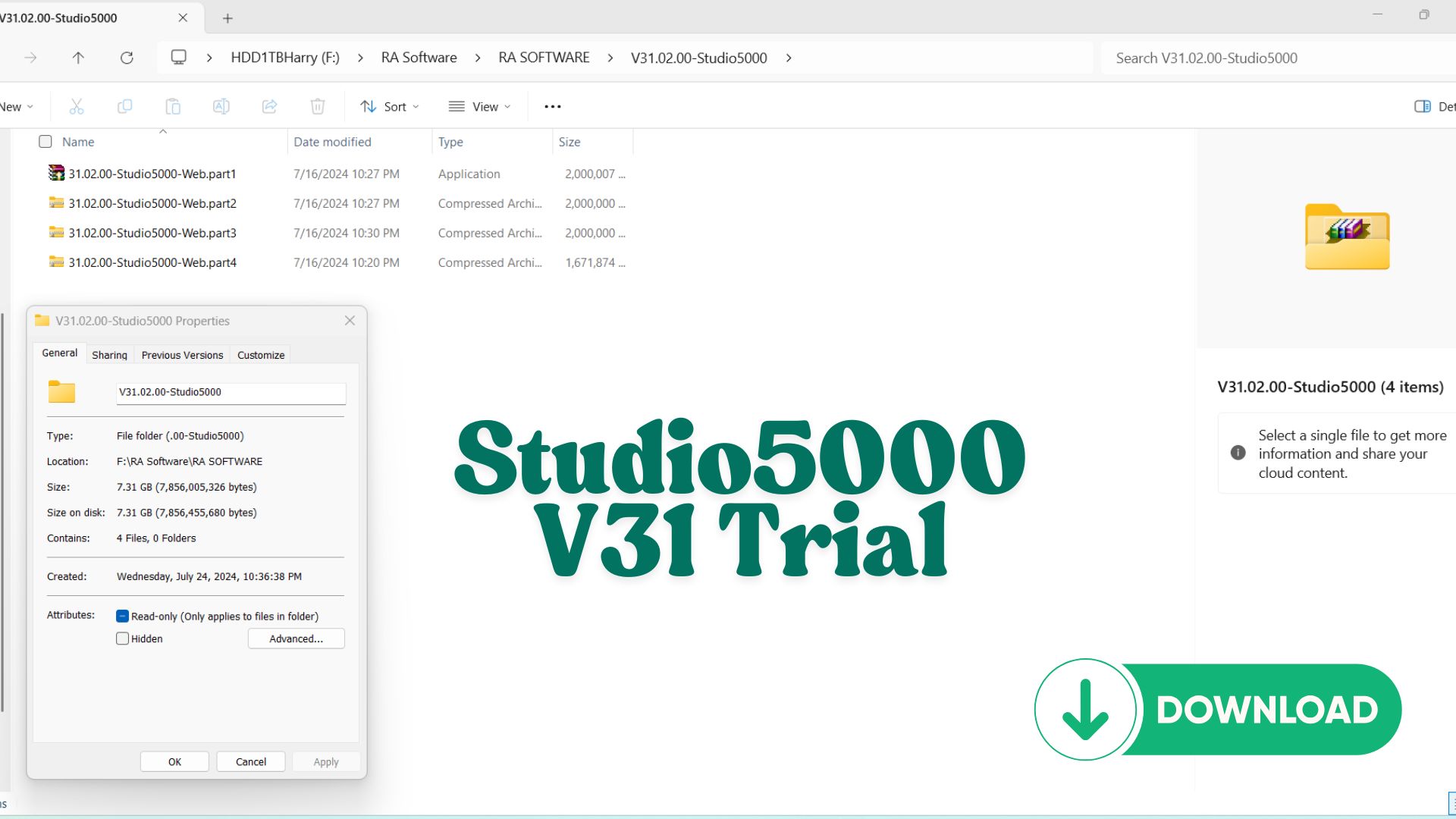
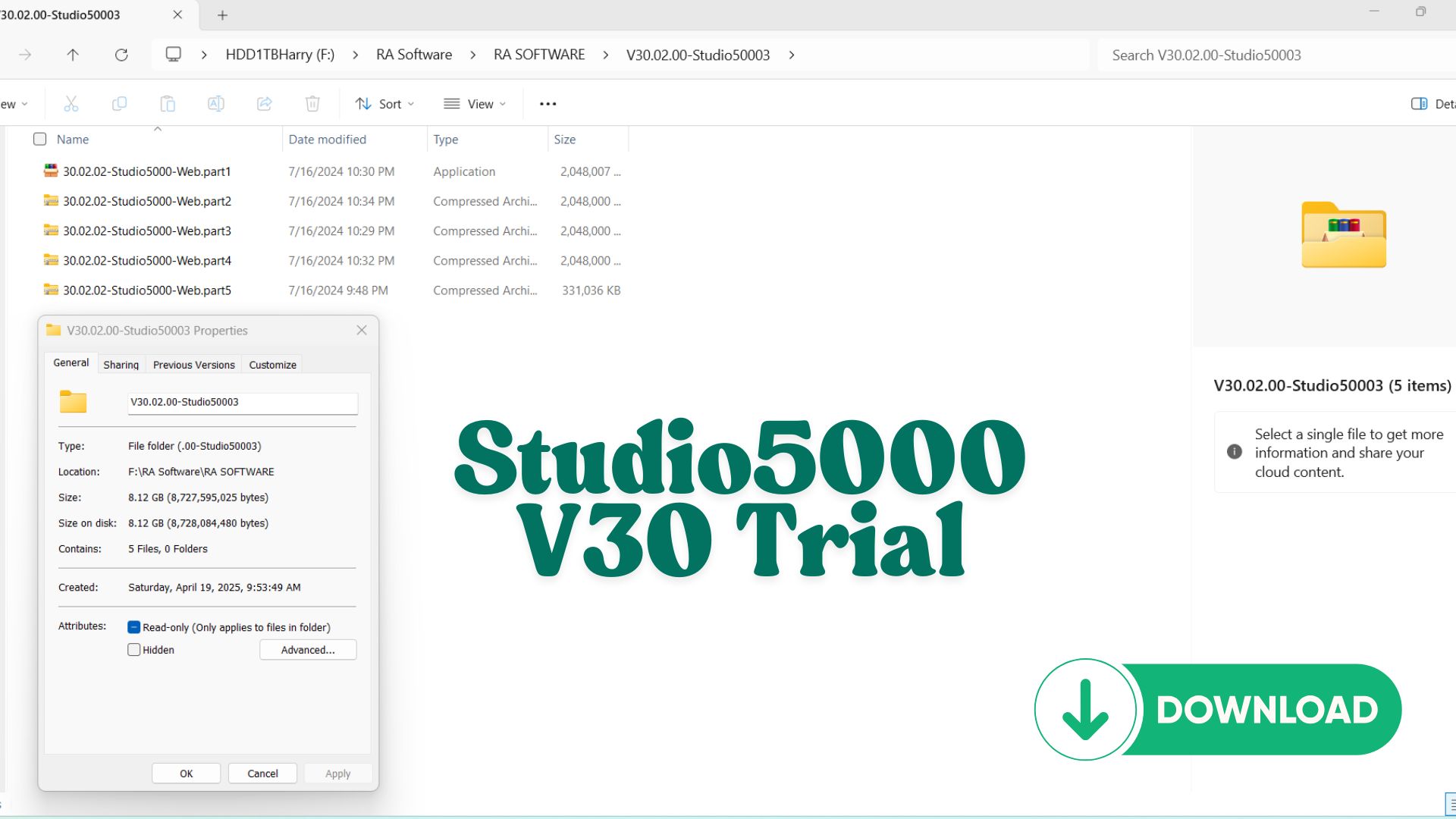
Share Source Code by vohauipr.com – SS8_WWT_Controllogix attached with Studio5000 Trial 30.02.00 & 31.02.00
Understand wastewater treatment automation with this Controllogix project code. The package includes Studio 5000 trial versions, enabling you to run and study the full program workflow from Vohauipr.com.
Exclusive Resource: ControlLogix SS8_WWT Source Code & Studio 5000 Trial
Are you looking to dive deep into industrial automation logic or test a proven wastewater treatment (WWT) framework? vohauipr.com is excited to share the SS8_WWT_Controllogix.ACD source code, a comprehensive project file designed for Allen-Bradley ControlLogix controllers.
To ensure you can get started immediately, we have also bundled the necessary environment for testing: Studio 5000 Logix Designer Trial (Versions 30.02.00 & 31.02.00).
What’s Included in This Release?
-
SS8_WWT_Controllogix.ACD Source Code:
-
A structured and documented program for Wastewater Treatment systems.
-
Optimized for high-performance ControlLogix hardware.
-
Features modular logic blocks that are easy to adapt for similar industrial applications.
-
-
Studio 5000 Trial Versions (30.02.00 & 31.02.00):
-
Full-featured access to the Logix Designer environment.
-
Ideal for verifying the
.ACDfile, exploring the Tag structures, and simulating logic.
-
⚠️ Important: Trial Software Usage
Please note that the included software is the Trial Version.
-
Validity: 7 Days only.
-
Purpose: These versions are provided for testing and educational purposes only. After the 7-day period expires, you will need a valid Rockwell Automation license to continue using the software.
Key Features of the SS8_WWT Logic
The SS8_WWT project demonstrates best practices in PLC programming, including:
-
Device Control Modules: Standardized blocks for pumps, valves, and sensors.
-
Process Interlocks: Critical safety and operational sequences for fluid management.
-
Alarm Management: Structured fault reporting and status monitoring.
How to Get Started
-
Download the package from the link below.
-
Install the Studio 5000 version (v30 or v31) that matches your system requirements.
-
Open the
SS8_WWT_Controllogix.ACDfile to begin your analysis or simulation.
Expert Tip: If you are using a newer version of Studio 5000 (e.g., v33 or v34), you can easily migrate this project by following the software’s built-in update prompts upon opening the file.
Why Choose Studio5000 Trial Versions?
-
✅ Hands-on practice with the same interface and tools used in real Rockwell Automation systems.
-
✅ Learn PLC programming in Ladder Logic, Function Block, and Structured Text.
-
✅ Perfect for students & hobbyists who want to build skills without paying thousands for a license.
-
✅ Compact download with simple setup and easy installation.
Overview of Studio 5000 Trial Versions 30.02.00 & 31.02.00
For automation engineers and learners, having access to professional PLC programming tools is essential. The Studio 5000 Logix Designer Trial versions 30.02.00 and 31.02.00 provide an affordable and practical way to develop real-world automation skills.
Developed by Rockwell Automation, these versions are widely used in industrial environments and are ideal for both learning and system testing.
Key Features of Studio 5000 v30.02.00 & v31.02.00
Both versions come with powerful tools designed for industrial automation development:
Advanced PLC Programming Environment
- Supports ControlLogix and CompactLogix controllers
- Structured project organization for scalable systems
- Tag-based programming architecture
Multiple Programming Languages
- Ladder Diagram (LD)
- Function Block Diagram (FBD)
- Structured Text (ST)
Real-Time Monitoring & Debugging
- Online editing without stopping the system
- Real-time data monitoring
- Advanced troubleshooting tools
Integration Capabilities
- Seamless connection with HMI via FactoryTalk View Studio
- Communication through RSLinx Classic
- Support for EtherNet/IP networks
Differences Between Version 30.02.00 and 31.02.00
While both versions are stable and widely used, there are some notable differences:
Version 30.02.00
- Highly stable and widely deployed in legacy systems
- Compatible with older firmware and hardware
- Preferred for maintaining existing projects
Version 31.02.00
- Improved performance and user interface
- Better support for newer firmware
- Enhanced security and system integration features
Why Choose the Trial Versions?
Cost-Effective Learning Solution
The trial versions allow you to:
- Access full features without high licensing costs
- Practice real industrial programming scenarios
- Build hands-on experience
Ideal for Testing and Simulation
Combined with Logix Emulate, you can:
- Simulate PLC behavior
- Test logic before real deployment
- Debug safely without hardware
Practical Applications
Using Studio 5000 Trial, you can develop and test systems such as:
- Conveyor control systems
- Motor and drive automation
- Packaging and production lines
- Robotic integration systems
Recommended Learning Workflow
To maximize your learning efficiency:
- Install Studio 5000 v30 or v31
- Set up RSLinx Classic for communication
- Use Logix Emulate for PLC simulation
- Create basic ladder logic programs
- Integrate with HMI for visualization
Who Should Use Studio 5000 Trial?
- Automation engineering students
- PLC beginners and self-learners
- Maintenance engineers
- Professionals upgrading Rockwell skills
Conclusion
The Studio 5000 Trial 30.02.00 & 31.02.00 versions offer a powerful and affordable entry point into industrial automation. Whether you’re learning PLC programming or testing real-world applications, these tools provide the flexibility and capability needed to succeed in today’s automation industry.
Reviews
There are no reviews yet.