
Description
Share Source Code by vohauipr.com – CW_ServiceProgram.ACD attached with Trial Studio 5000 Software 34.00.00 – Studio 5000 Logix Emulate for Testing Program (Trial in 7 Days)
Access professional PLC program code developed by Vohauipr.com for industrial service systems. This package provides CW_Toyo_ServiceProgram.ACD together with Studio 5000 Logix Emulate trial software so users can simulate and test the application code before deployment.
Industrial Automation: Accessing the CW_Toyo_ServiceProgram.ACD & Studio 5000 Testing Environment
In the world of industrial automation, having access to the right development environment is crucial for troubleshooting, learning, and optimizing machine performance. Today, we are sharing a resource for automation engineers working with Allen-Bradley/Rockwell Automation systems: the CW_Toyo_ServiceProgram.ACD source file.
To ensure you can effectively analyze and test this program, we are also highlighting the availability of the Studio 5000 Logix Designer (Version 34.00.00) trial environment.
What is the CW_Toyo_ServiceProgram.ACD?
The CW_Toyo_ServiceProgram.ACD file is a professional-grade project file developed for specific industrial applications. Whether you are looking to understand logic flow, study tag structures, or integrate new features into an existing control cabinet, this file serves as an excellent reference for high-level ladder logic and project organization.
Getting Started with Studio 5000 (v34.00.00)
To open, edit, or test the logic within the CW_Toyo_ServiceProgram.ACD file, you need the appropriate software environment. Rockwell Automation’s Studio 5000 Logix Designer is the industry standard for configuring and programming ControlLogix and CompactLogix controllers.
Key Considerations for the Trial Version:
-
Version Compatibility: Ensure your environment is running Version 34.00.00. Using an older version may lead to compatibility issues when attempting to open the
.ACDfile. -
Testing Purpose Only: The trial software provided by Rockwell Automation is strictly for evaluation and testing. It allows you to explore the full capabilities of the software, including hardware configuration and code simulation.
-
7-Day Limitation: Be mindful that the trial license is valid for 7 days. We recommend planning your testing, validation, or learning objectives within this window to maximize the utility of the software.
Why Test Your Automation Code?
Developing and maintaining code for electrical control panels—especially those integrated with robotics and servos—requires rigorous testing. By using a controlled environment like the Studio 5000 trial, you can:
-
Validate Logic: Verify that your rungs and subroutines execute as expected without risking hardware damage.
-
Optimize Cycle Times: Analyze how different logic paths affect the overall efficiency of your machine.
-
Educational Growth: For engineers looking to level up their PLC programming skills, experimenting with professional project files like this is one of the fastest ways to understand complex industrial architectures.
Important Disclaimer
The provided software and project files are intended for professional development and educational purposes. Always ensure you have a valid, licensed version of Studio 5000 for any production-level work or long-term project maintenance.
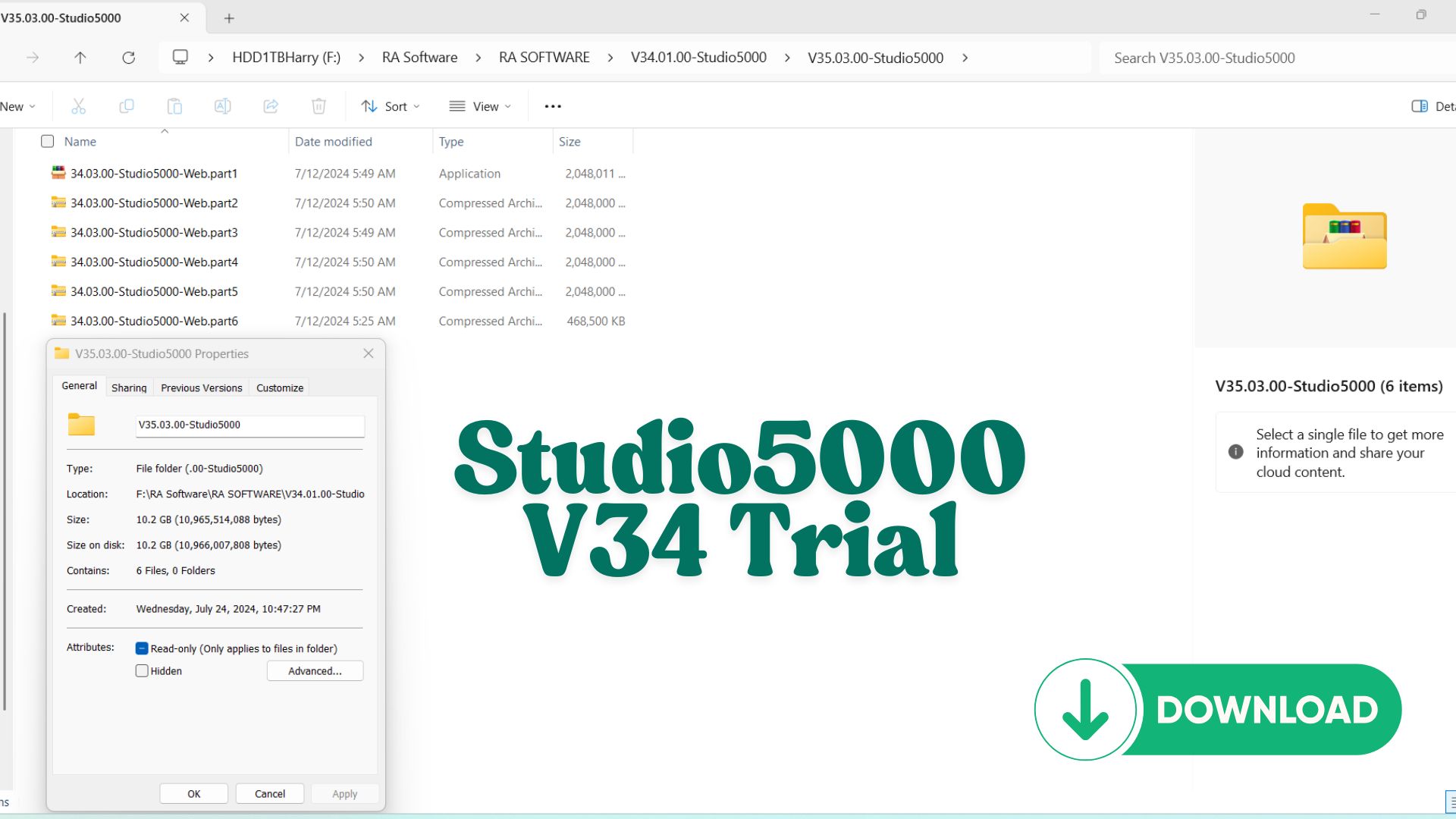
Key Features:
- Simulate Logix5000 applications in a flexible, cost-effective manner.
- Test your control system logic in a safe, virtual environment.
- Save time and resources with accurate emulation tools.
- Compatible with Windows operating systems.
Why Choose This Trial?
- Affordable access to advanced automation software — for the cost of a cup of coffee.
- Includes DVD image download for offline setup.
- Perfect for professionals looking to evaluate Studio 5000 Emulator before committing to the full version.
Overview of Studio 5000 Logix Emulate Trial 34.00.00
Studio 5000 Logix Emulate Trial 34.00.00 is a powerful simulation tool developed by Rockwell Automation that allows engineers to emulate ControlLogix and CompactLogix controllers without physical hardware.
This trial version is widely used by automation engineers, students, and developers to test PLC programs, debug logic, and simulate real-world processes in a safe and cost-effective environment.
Key Features of Logix Emulate 34.00.00
Real PLC Simulation
- Emulates ControlLogix and CompactLogix processors
- Executes real PLC logic created in Studio 5000 Logix Designer
- Supports multiple virtual controllers simultaneously
Seamless Integration
- Works directly with Studio 5000 projects
- Communicates through virtual backplane
- Compatible with RSLinx Classic
Efficient Debugging
- Monitor tags in real-time
- Force inputs/outputs for testing
- Diagnose logic issues without risk to equipment
Cost-Effective Development
- No need for physical PLC hardware
- Ideal for offline development and training
- Reduces commissioning time in real projects
Benefits of Using the Trial Version
Using the Logix Emulate Trial 34.00.00 provides several advantages:
- Free access to professional simulation tools
- Perfect for learning PLC programming from scratch
- Safe testing environment for complex logic
- Great for demonstrating automation concepts
This makes it especially valuable for:
- Students and beginners
- Automation engineers developing new systems
- Trainers and educators
How Logix Emulate Works
Logix Emulate creates a virtual chassis environment where you can:
- Add a virtual controller (e.g., 1756-L8x)
- Download your PLC program from Studio 5000
- Run the controller in “Emulation Mode”
- Monitor and interact with tags in real-time
This setup mimics actual hardware behavior, allowing you to fully validate your automation logic before deployment.
Typical Use Cases
1. PLC Training and Education
Learn Ladder Logic, Structured Text, and Function Block without needing expensive hardware.
2. System Testing
Test sequences, alarms, and interlocks before commissioning.
3. HMI/SCADA Integration
Connect with HMI software like FactoryTalk View Studio to simulate full systems.
4. Debugging and Troubleshooting
Identify and fix logic errors in a controlled environment.
Best Practices for Using Logix Emulate
To maximize efficiency:
- Use meaningful tag naming for easier debugging
- Combine with FactoryTalk View for full system simulation
- Utilize forcing and trending features
- Save multiple test scenarios for validation
Who Should Use Logix Emulate Trial?
- Automation Engineers
- PLC Programmers
- Students in Industrial Automation
- SCADA Developers
Conclusion
Studio 5000 Logix Emulate Trial 34.00.00 is an essential tool for anyone serious about PLC programming and automation system development. It provides a realistic, flexible, and cost-free way to simulate industrial control systems, making it a must-have in your learning and development toolkit.
Reviews
There are no reviews yet.