How to Download FactoryTalk View SE/ME All Version Trial – Rockwell Automation
Download FactoryTalk View SE/ME Trial ? FactoryTalk View SE/ME by Rockwell Automation is one of the most popular HMI (Human-Machine Interface) and SCADA software solutions used in industrial automation.
If you’re an automation engineer, technician, or student, getting access to the FactoryTalk View SE/ME trial version is essential for learning, testing, or project setup.
This guide explains three simple methods to download and install FactoryTalk View SE/ME all version trials — quickly, safely, and conveniently.
Subject: Access Studio 5000 Trial Versions via YouTube Diamond Membership
Dear Visitors
You can download and install the Studio 5000 Trial versions from v27 to v36. Please note that access to the download links is restricted to Diamond Members only.
To access the trial software, please follow these steps:
- Join the YouTube channel as a Diamond Member:
https://www.youtube.com/channel/UCbCxrrfy-brUqq2COXXreWg/join - Once you are a Diamond Member, you will be able to access the post containing the download links here:
https://www.youtube.com/post/Ugkx9t8T8TnkFsafc7h6CbhP8Q0Cd3S6477u
By becoming a Diamond Member, you’ll have full access to all the trial versions of Studio 5000 for testing and evaluation purposes.

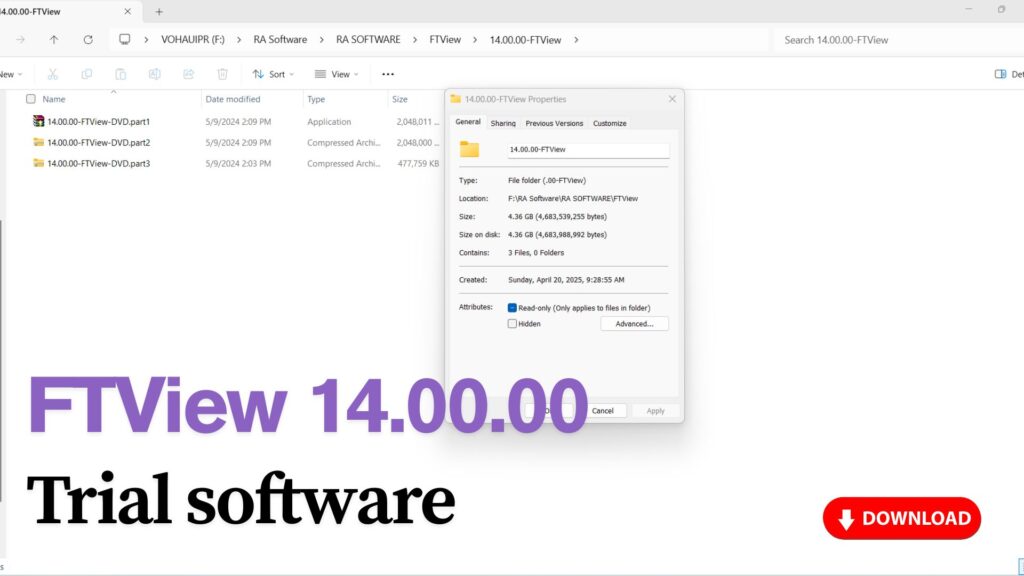
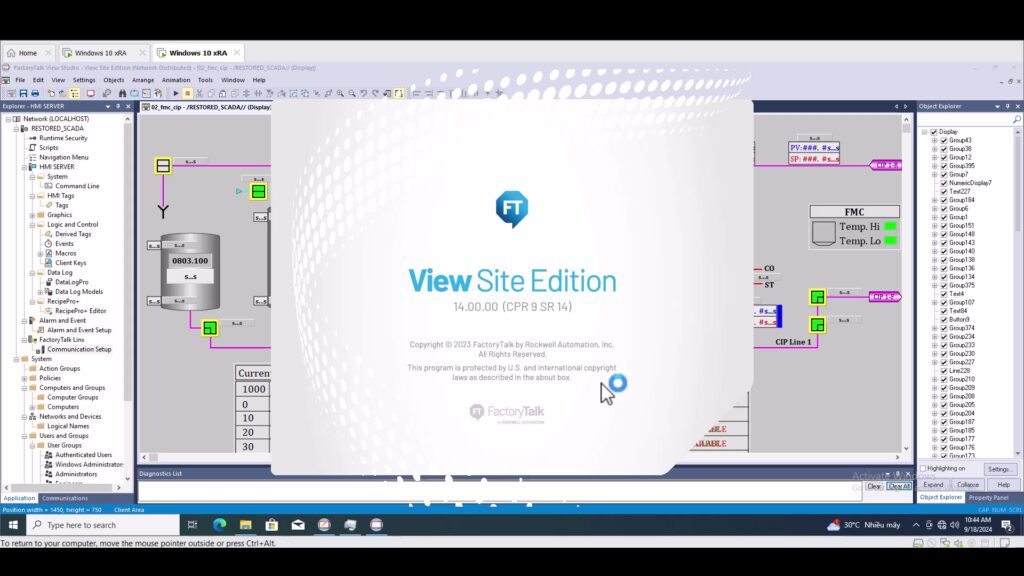
2. Method 1 – Download from the Official Rockwell Automation Website
The first and most direct method is to get the software from Rockwell Automation’s official website.
You will need to:
- Visit https://compatibility.rockwellautomation.com
- Log in or create a free Rockwell Automation Account.
- Search for FactoryTalk View SE or FactoryTalk View ME.
- Select the version you want (for example: V12, V13, V14, or the latest).
- Choose “Download Software (Trial)” and follow the on-screen instructions.
💡 Note: You might need to install FactoryTalk Activation Manager to activate the trial license properly.
3. Method 2 – Join as a Channel Member for Direct Download Access
If you want faster access to all FactoryTalk View SE/ME versions without going through multiple login steps, you can join our video channel as a member.
Once you become a Sapphire Fan or Diamond Super Member, you’ll get:
- Direct download links for FactoryTalk View SE/ME trial software.
- Access to installation videos, setup tutorials, and version comparisons.
🔗 Once you’ve joined, check the video description for download links available exclusively to members.
🎥 Video below provides step-by-step download instructions.
4. Method 3 – Quick Access via Direct Bank Transfer (Donate Fee)
For those who prefer a fast and direct method, you can make a small donation fee (a few dozen USD) via SWIFT international bank transfer.
After payment, you’ll receive the download link directly via email.
💳 Payment Details:
- Bank Name: Joint Stock Commercial Bank for Foreign Trade of Vietnam (Vietcombank)
- SWIFT Code: BFTVVNVX
- Account Name: Vo Thanh Hau
- Account Number: 1061518026
Once the transfer is complete, please send your payment confirmation or bank slip to 📧 vohauipr@vohauipr.com.
I will immediately send you the download link so you can access the software without delay.
5. Final Notes
Whether you’re working with FactoryTalk View SE for SCADA systems or FactoryTalk View ME for PanelView HMI programming, these three methods ensure you can quickly get the trial versions you need — safely and legitimately.
⚙️ Choose the method that best fits your situation — official site, member access, or fast direct transfer — and start exploring Rockwell’s most powerful HMI/SCADA software today.