
Description
Share Source Code by vohauipr.com – Center_Barcode.ACD attached with Studio 5000 Version 33.00.00 Trial for Testing Program (Trial in 7 Days)
Download barcode automation source code created by Vohauipr.com and shared for users who support via donation. The project code includes Center_Barcode.ACD and a free Studio 5000 trial version for testing PLC logic, modules, and barcode communication functions.
Unlock Industrial Precision: Share Center Barcode Logic for Studio 5000 V33
Achieving seamless data integration in industrial automation often hinges on how efficiently your PLC handles peripheral data, like barcodes. To help the community streamline their projects, vohauipr.com is sharing the Center_Barcode.ACD source code—a robust logic template designed for high-performance scanning environments.
To ensure you can implement and verify this logic immediately, we are also providing a link to the Studio 5000 Logix Designer Version 33.00.00 Trial.
Core Features of Center_Barcode.ACD
The source code focuses on structured data handling and modular programming, making it easier to integrate various barcode scanners into the Rockwell Automation ecosystem.
-
Modular Add-On Instructions (AOI): Pre-configured blocks for rapid deployment.
-
Data Parsing Logic: Efficiently handles string manipulation to extract critical data from complex barcode formats.
-
Error Handling: Built-in routines to manage no-reads or transmission timeouts.
-
Optimized for V33: Fully compatible with the latest features of the Logix Designer environment.
Testing Environment: Studio 5000 V33 Trial
We understand that setting up a test bench can be time-consuming. That’s why we’ve included the Studio 5000 Version 33.00.00 Trial software.
Important Note on Licensing: This software is a Trial Version intended for testing and educational purposes only. It includes a 7-day trial period. Please ensure your testing schedule aligns with this timeframe, as the software will require a valid license to operate after the 7th day.
How to Get Started
-
Download the Source Code: Access the
Center_Barcode.ACDfile from the link below. -
Install the Trial: Set up the Studio 5000 V33 environment on your workstation or VM.
-
Import & Test: Open the ACD file, configure your I/O tree to match your hardware (or use Logix Emulate), and observe the barcode processing logic in real-time.
Download Links & Resources
-
Source Code: [Download Center_Barcode.ACD]
-
Software: [Studio 5000 V33.00.00 Trial Download]
-
Technical Support: Visit vohauipr.com for more tutorials on C#, PLC programming, and industrial IoT.
Studio 5000 Version 33.00.00 Trial – Studio 5000 Logix Emulate for the Price of a Few Cups of Coffee!
🚨 IMPORTANT NOTICE
Due to an issue with my PayPal account, payments via PayPal are currently unavailable.
To download the trial version of this software:
👉 Please join as a Diamond Member ($18) on my YouTube channel:
https://www.youtube.com/channel/UCbCxrrfy-brUqq2COXXreWg/join
📩 After joining, send an email to: vohauipr@vohauipr.com
I will provide you with a direct download link.
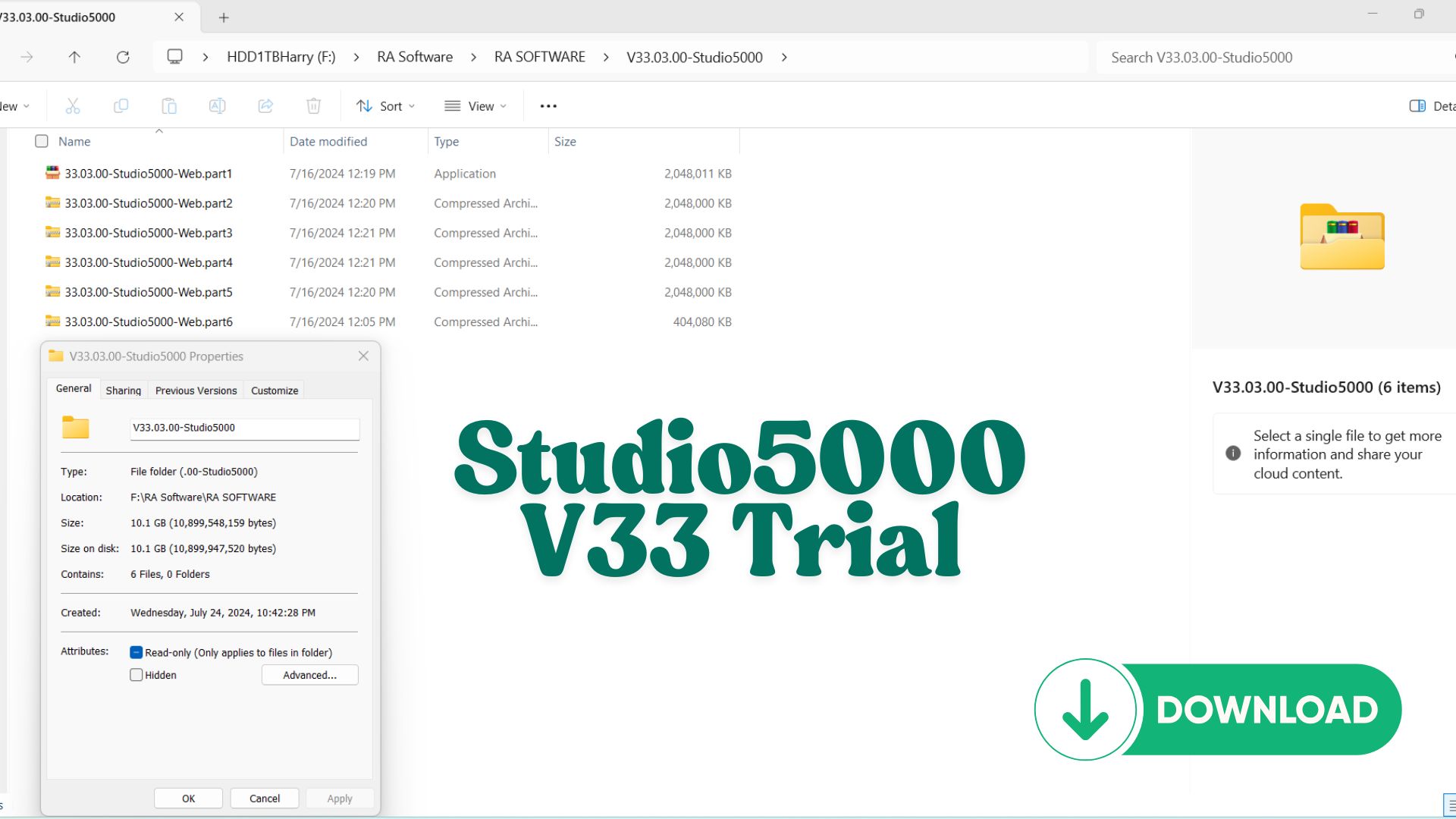
Features:
- Advanced Simulation Tools: Test and troubleshoot your control logic without connecting to physical hardware.
- Cost-Effective Debugging: Identify and resolve issues early to save time and resources.
- Flexible Testing Environment: Emulate a variety of controllers and applications to meet diverse automation needs.
- User-Friendly Interface: Intuitive setup and navigation for seamless use.
Why Choose Us?
This trial software is available for download with a nominal fee, comparable to the cost of your favorite cup of coffee. It’s a small price for a big leap in your automation projects.
Note: This is a downloadable product in DVD format. Ensure compatibility with your system requirements before purchase.
Download Studio 5000 Version 33.00.00 Trial – Studio 5000 Logix Emulate for the Price of a Few Cups of Coffee!
Looking for Studio 5000 version 33.00.00 Trial along with Studio 5000 Logix Emulate to practice or test your PLC programming skills? You’re in the right place. Whether you’re an automation enthusiast, a control engineer, or a student learning Rockwell Automation platforms, this trial version is a great way to get hands-on experience without spending a fortune. For just the price of a few cups of coffee, you’ll gain access to powerful tools to simulate, test, and build PLC logic in a real-world environment.
🔧 What is Studio 5000 Logix Designer & Logix Emulate?
Studio 5000 Logix Designer is Rockwell Automation’s flagship software for programming ControlLogix and CompactLogix controllers. It’s used to configure logic, tag databases, motion control, and HMI connections.
Studio 5000 Logix Emulate allows you to run your PLC programs virtually without needing a physical PLC. It’s a vital tool for:
-
Testing logic before deployment
-
Simulating operations in a safe environment
-
Teaching PLC programming without hardware
Version 33.00.00 is a stable release compatible with modern Rockwell controllers and offers significant performance enhancements over older versions.
Overview of Studio 5000 Version 33.00.00 Trial + Logix Emulate
For automation engineers and PLC learners, Studio 5000 Logix Designer Version 33.00.00 Trial combined with Studio 5000 Logix Emulate offers a powerful and cost-effective environment to design, test, and simulate industrial control systems.
Developed by Rockwell Automation, this combo is widely used in real-world manufacturing systems, making it an essential toolset for both beginners and professionals.
What is Studio 5000 Version 33.00.00?
Studio 5000 V33 is a widely adopted version of Rockwell’s PLC programming software, known for its stability and compatibility with many industrial systems.
Key Features:
- Programming for ControlLogix and CompactLogix controllers
- Support for Ladder Diagram (LD), Function Block (FBD), and Structured Text (ST)
- Tag-based programming architecture
- Advanced debugging and real-time monitoring
- Seamless integration with HMI and SCADA systems
Why Version 33?
- Stable and commonly used in industry projects
- Compatible with many existing systems
- Ideal for training and simulation environments
What is Studio 5000 Logix Emulate?
Logix Emulate is a simulation tool that allows you to run PLC programs without physical hardware.
Core Capabilities:
- Emulate ControlLogix controllers on your PC
- Test PLC logic before deployment
- Simulate I/O behavior
- Debug programs safely and efficiently
Benefits for Learning:
- No need to invest in expensive PLC hardware
- Perfect for offline practice and testing
- Enables full system simulation when combined with HMI software
Key Advantages of Using This Combo
1. Realistic PLC Simulation
By combining Studio 5000 with Logix Emulate, you can:
- Write PLC code
- Run it in a virtual controller
- Monitor and troubleshoot in real time
2. Cost-Effective Learning Solution
The Trial version provides access to:
- Full programming features
- Simulation capabilities
- Industrial-standard tools
3. Industry-Relevant Skills
Learning this platform prepares you for roles such as:
- PLC Programmer
- Automation Engineer
- Control System Engineer
How to Use Studio 5000 V33 with Logix Emulate
Basic Setup Steps:
- Install Studio 5000 Version 33.00.00
- Install Logix Emulate
- Configure communication using RSLinx Classic
- Create a new PLC project in Studio 5000
- Select Emulated Controller
- Download and run your program in Emulate
Suggested Learning Workflow
To maximize your learning:
- Start with basic Ladder Logic exercises
- Create simple automation tasks (motor control, timers, counters)
- Connect to HMI software like FactoryTalk View
- Simulate full automation systems
- Practice debugging and troubleshooting
Who Should Use Studio 5000 V33 Trial?
- Students in automation and mechatronics
- Engineers learning Rockwell PLC systems
- Technicians practicing PLC programming
- Professionals preparing for industrial projects
Conclusion
Studio 5000 Version 33.00.00 Trial + Logix Emulate is one of the best combinations for learning and practicing PLC programming without hardware. It delivers a realistic, industry-standard environment that helps you build practical automation skills efficiently.
Reviews
There are no reviews yet.