
Description
Share Source Code by vohauipr.com – PK53 PLC Rockwell attached with Studio 5000 Logix Emulate Trial (v34 & v35)
Learn PLC programming through a real PK53 system project. This application code is shared via donation and includes Logix Emulate trial versions to simulate and validate your logic without physical PLC hardware.
Unlock Industrial Automation: PK53 PLC Rockwell Source Code & Studio 5000 Testing Guide
Are you looking to enhance your programming skills with Rockwell Automation systems? Whether you are a student, a junior engineer, or an automation enthusiast, having access to real-world source code is one of the fastest ways to learn.
Today, we are sharing the PK53_PLC_Rockwell.ACD source code, courtesy of vohauipr.com, along with a guide on how to test it using Studio 5000 Logix Emulate.
What is the PK53 PLC Rockwell Project?
The .ACD file extension signifies a project file created within the Rockwell Software environment. The PK53 project serves as a practical template for understanding logic structures, tag aliasing, and hardware configuration in the Logix 5000 platform.
How to Test Without Physical Hardware
One of the biggest hurdles in PLC programming is the cost of hardware. Fortunately, you can simulate a high-end Allen-Bradley controller on your PC using Studio 5000 Logix Emulate.
Featured Software: Studio 5000 Logix Emulate (v34 & v35)
To help you dive straight into testing, we recommend using the Trial versions of v34 and v35.
⚠️ Important Note on Trial Versions: The Studio 5000 Logix Emulate Trial is intended for testing and educational purposes only. These versions typically come with a 7-day trial period. Ensure your environment is ready before activation to make the most of your week of testing.
Step-by-Step Guide to Getting Started
-
Download the Source Code: Obtain the
PK53_PLC_Rockwell.ACDfile from the official source at vohauipr.com. -
Install the Emulator: Install either version 34 or 35 of Studio 5000 Logix Emulate.
-
Configure the Virtual Backplane: Open RSLinx Classic to set up the “Virtual Backplane” driver so your software can “see” the emulated controller.
-
Create a Slot: In the Emulate software, add a CPU to a specific slot (e.g., Slot 2).
-
Go Online: Open the PK53 project in Studio 5000, change the controller type to “Emulated Controller” if necessary, and download the code to your virtual slot.
Why Practice with This Source Code?
-
Logic Analysis: Study how professional rungs are structured.
-
Troubleshooting: Practice forced I/O and watch lists in a safe, virtual environment.
-
HMI Integration: Use the emulated PLC to test your FactoryTalk View applications.
Conclusion
Accessing high-quality source code like the PK53_PLC_Rockwell.ACD is a game-changer for your professional development. While the 7-day trial of Studio 5000 Logix Emulate is brief, it provides ample time to dissect the logic and understand the workflow of a modern industrial project.
Download now and start your 7-day intensive training!
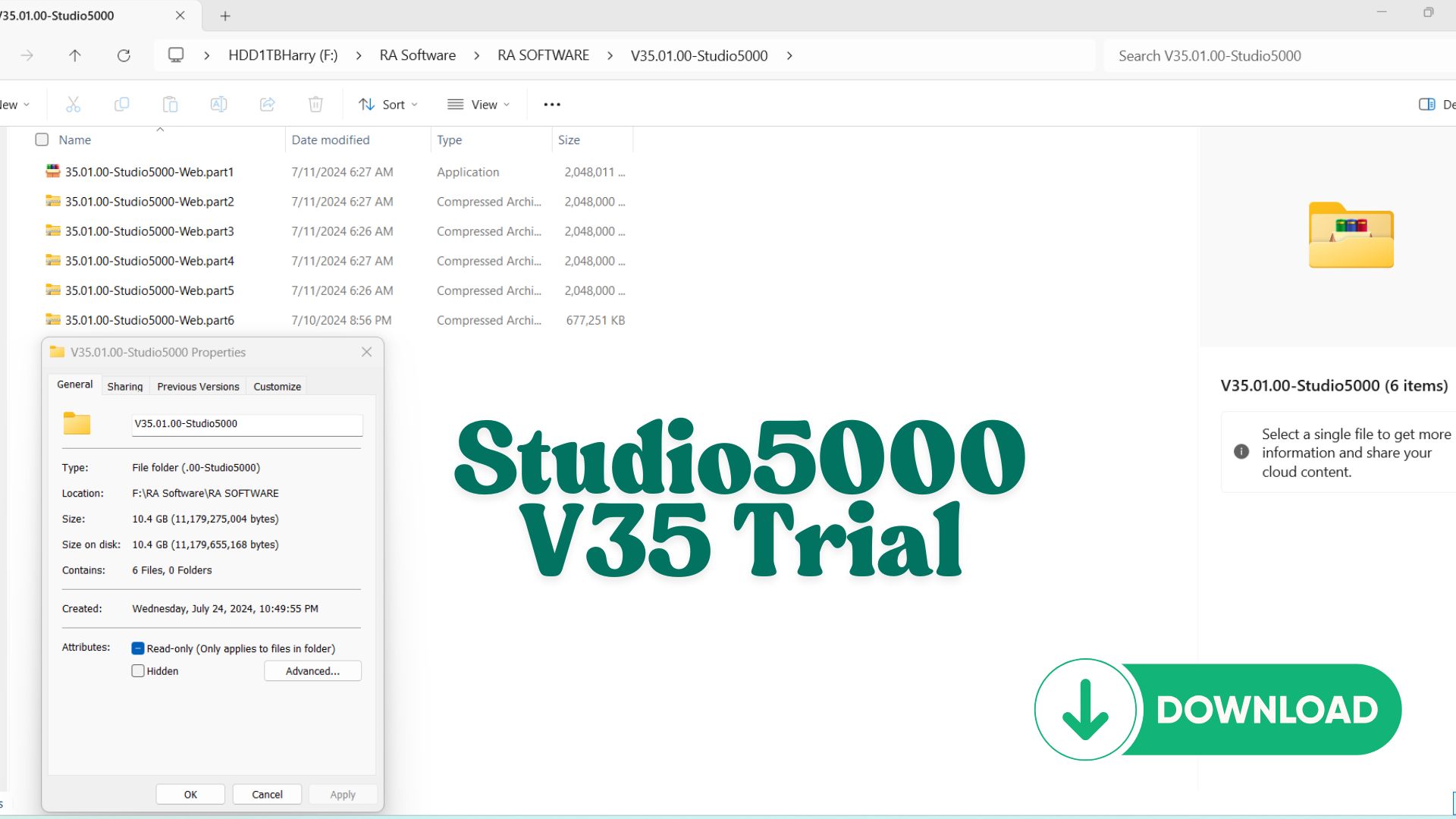
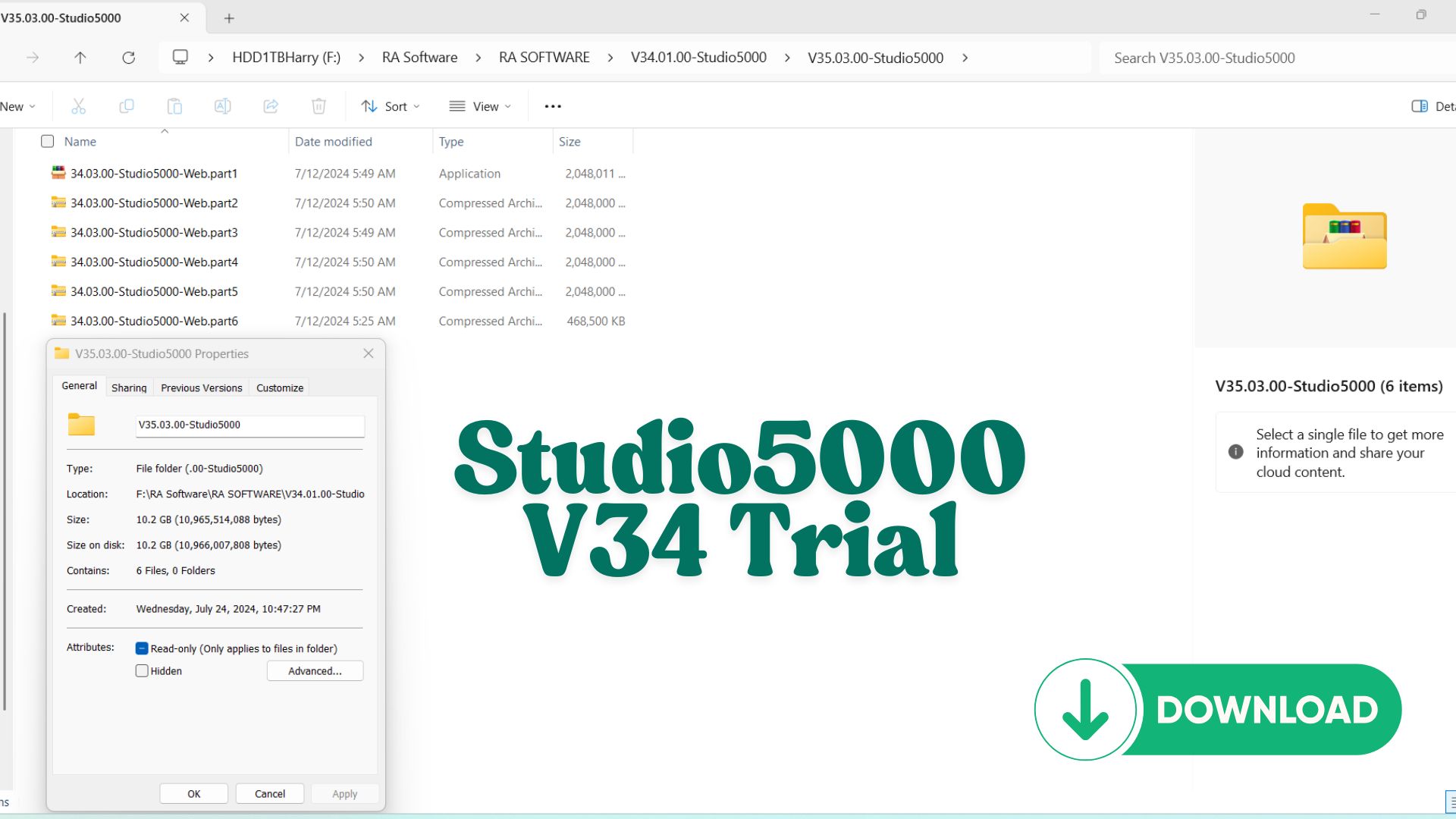
Studio 5000 Logix Emulate Trial (v34 & v35)
Looking for Studio 5000 Logix Emulate trial software? You’ve come to the right place!
We are sharing two rare but highly useful automation software trial downloads that many engineers and PLC programmers search for but hardly find in one place.
🚨 IMPORTANT NOTICE
Due to an issue with my PayPal account, payments via PayPal are currently unavailable.
To download the trial version of this software:
👉 Please join as a Diamond Member ($18) on my YouTube channel:
https://www.youtube.com/channel/UCbCxrrfy-brUqq2COXXreWg/join
📩 After joining, send an email to: vohauipr@vohauipr.com
I will provide you with a direct download link.
Overview of Studio 5000 Logix Emulate Trial (v34 & v35)
For automation engineers and learners who want to practice PLC programming without physical hardware, Studio 5000 Logix Emulate Trial (v34 & v35) is an essential tool.
Developed by Rockwell Automation, Logix Emulate allows you to simulate ControlLogix and CompactLogix controllers directly on your PC. It works seamlessly with Studio 5000 Logix Designer, making it a powerful combo for learning, testing, and debugging PLC applications.
What is Studio 5000 Logix Emulate?
Logix Emulate is a software-based PLC emulator that replicates the behavior of real Logix controllers.
Instead of downloading your program to a physical PLC, you can:
- Run and test logic virtually
- Monitor inputs/outputs in real time
- Debug programs safely without risk
It is widely used for:
- Training and education
- Offline development
- System testing before deployment
Key Features of Logix Emulate Trial v34 & v35
1. Realistic PLC Simulation
- Emulates ControlLogix controller environment
- Supports tasks, programs, and routines
- Executes Ladder Logic just like real hardware
2. Seamless Integration
- Directly connects with Studio 5000 Logix Designer
- Works with RSLinx Classic for communication setup
- Compatible with FactoryTalk View for HMI simulation
3. Debugging & Monitoring Tools
- Real-time tag monitoring
- Force bits and simulate I/O conditions
- Troubleshoot logic before commissioning
4. Multiple Controller Instances
- Run multiple virtual PLCs on one machine
- Ideal for testing communication between systems
Differences Between v34 and v35
Both versions are widely used and stable, but there are some practical considerations:
- Version 34
- Very stable and commonly used in training environments
- Compatible with older projects and systems
- Version 35
- Improved performance and newer features
- Better compatibility with updated Studio 5000 versions
👉 Tip: Always match your Logix Emulate version with your Studio 5000 version to avoid compatibility issues.
Why Use Logix Emulate Trial?
1. No Hardware Required
You can build and test PLC programs without investing in expensive controllers.
2. Safe Testing Environment
Avoid risks when testing:
- Machine logic
- Safety sequences
- Interlocks and alarms
3. Ideal for Learning Automation
Perfect for:
- Students
- Beginner PLC programmers
- Engineers practicing new concepts
How to Use Logix Emulate Effectively
To get started:
- Install:
- Studio 5000 Logix Designer
- Logix Emulate v34 or v35
- RSLinx Classic
Basic Workflow:
- Create a PLC project in Studio 5000
- Configure Emulate controller
- Set up driver in RSLinx
- Download program to Emulate
- Run and monitor logic
Best Practices for Simulation
- Always verify tag mapping before running
- Use structured naming for easy debugging
- Simulate real-world conditions (timers, sensors, faults)
- Combine with HMI (FactoryTalk View) for full system testing
Who Should Use Logix Emulate Trial?
- Automation engineering students
- PLC programmers without hardware access
- Engineers testing logic before commissioning
- System integrators building demo systems
Conclusion
Studio 5000 Logix Emulate Trial (v34 & v35) is a powerful and practical tool for anyone involved in industrial automation. It bridges the gap between theory and real-world application, allowing you to simulate, test, and refine PLC programs efficiently.
If you’re serious about mastering Rockwell PLC systems, using Logix Emulate alongside Studio 5000 is a must-have step in your learning journey.



Reviews
There are no reviews yet.