
Description
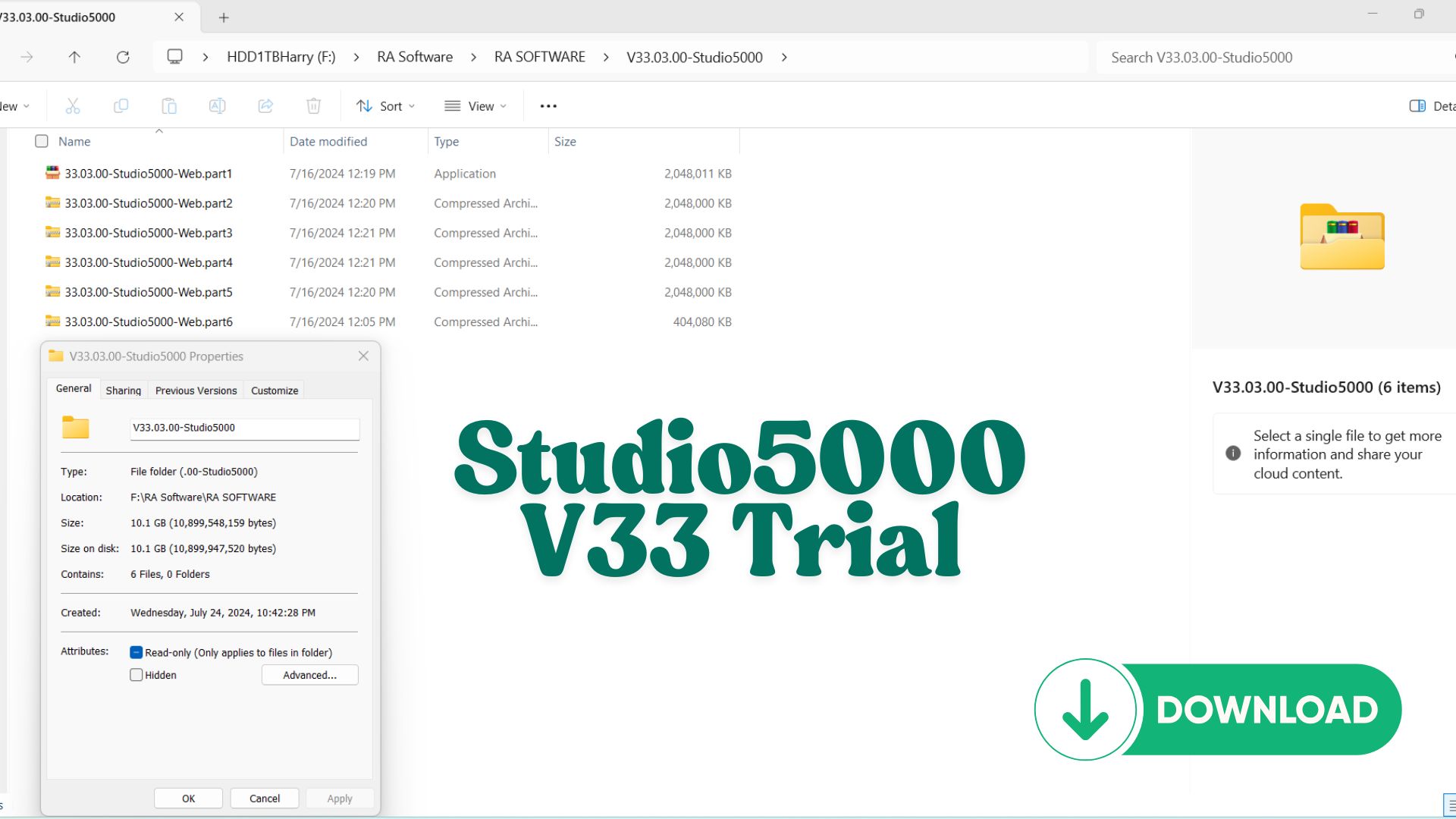
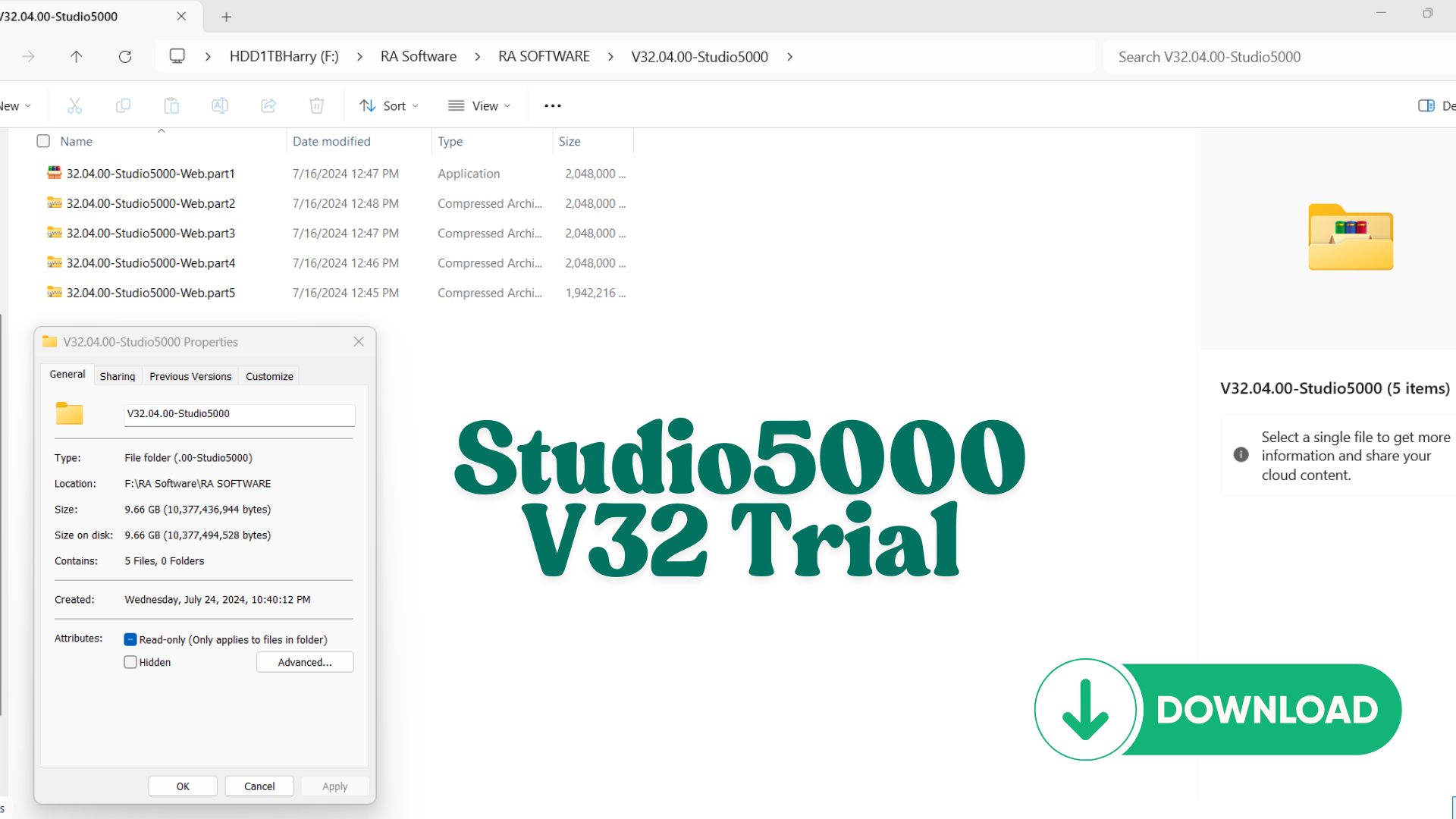
Share Source Code by vohauipr.com – PLC_Diary_Rockwell attached Studio 5000 Logix Emulate Trial – Version 32.00.00 & 33.00.00
Explore a collection of PLC routines and program structures from real projects. Vohauipr.com provides this basecode along with emulator trials so you can practice, analyze, and enhance your automation skills.
Unlock Rockwell Automation: Download PLC_Diary_Rockwell.ACD & Studio 5000 Emulate Trial
Are you looking to sharpen your PLC programming skills without the need for expensive hardware? We are excited to share a specialized source code resource from vohauipr.com designed specifically for engineers and students working within the Rockwell Automation ecosystem.
What’s Included in This Package?
This release focuses on practical learning and testing. By downloading this bundle, you get access to:
-
PLC_Diary_Rockwell.ACD: A comprehensive source code file compatible with the Logix Designer platform. This file serves as an excellent reference for logic structure, tag naming conventions, and routine organization in RSLogix/Studio 5000.
-
Studio 5000 Logix Emulate (v32 & v33): We have included the Trial versions of Studio 5000 Logix Emulate. This software allows you to transform your PC into a virtual PLC chassis, enabling you to download and run the
.ACDfile to see the logic in action.
Software Specifications & Trial Limitations
To ensure a smooth testing experience, please note the following versions and constraints:
| Component | Version | Note |
| Logix Emulate | v32.00.00 | Ideal for legacy or specific v32 projects. |
| Logix Emulate | v33.00.00 | Compatible with the latest Studio 5000 features. |
| License Type | Trial Only | 7-Day functional period for testing purposes. |
Important Notice: The provided software is a 7-day trial. This is intended strictly for educational and testing purposes only. After the 7-day period, the emulation features will expire. We highly recommend using this window to analyze the code structure and verify your logic sequences.
How to Get Started
-
Download the .ACD File: Get the
PLC_Diary_Rockwell.ACDfrom our source link. -
Install the Emulator: Choose either Version 32 or 33 of Studio 5000 Logix Emulate based on your existing Studio 5000 installation.
-
Configure the Virtual Chassis: Open the Emulator, add a CPU to a slot, and ensure your RSLinx is configured to see the virtual backplane.
-
Go Online: Open the source code in Studio 5000, change the controller path to your emulated CPU, and download the project.
Why Practice with Emulation?
Using Studio 5000 Logix Emulate is the safest way to troubleshoot complex rungs and Motion Control instructions before deploying them to a live production environment. Whether you are a Junior Automation Engineer or a seasoned pro, having a “sandbox” environment is essential for minimizing downtime and preventing hardware damage.
Download the source code today and start mastering Rockwell PLC programming!
Version 32 vs. Version 33
-
Studio 5000 Logix 32.00.00 Trial: Stable version, widely used in industrial projects.
-
Studio 5000 Logix 33.00.00 Trial: Newer release, with extended features and updated compatibility.
Having both versions gives you flexibility when working with different projects and customer requirements.
Overview of Studio 5000 Logix Emulate Trial (v32 & v33)
Studio 5000 Logix Emulate Trial – Version 32.00.00 & 33.00.00 is a powerful PLC simulation tool developed by Rockwell Automation. It allows automation engineers and learners to simulate ControlLogix and CompactLogix controllers without requiring physical PLC hardware.
This trial version is especially valuable for:
- Practicing PLC programming offline
- Testing logic before deployment
- Building full automation simulations with HMI
Key Features of Logix Emulate v32 & v33
Realistic PLC Simulation
- Emulates Logix controllers in a virtual environment
- Executes ladder logic just like real hardware
- Supports multiple virtual chassis setups
Seamless Integration
- Works directly with Studio 5000 Logix Designer
- Communicates via RSLinx Classic
- Compatible with FactoryTalk View Studio for HMI testing
Multi-Version Support
- Version 32.00.00: Stable and widely used in legacy systems
- Version 33.00.00: Improved compatibility and newer features
Why Use Logix Emulate Trial?
1. No Hardware Required
You can build and test PLC programs without investing in expensive ControlLogix hardware.
2. Safe Testing Environment
- Debug logic without risk to machines
- Identify errors before real deployment
3. Ideal for Learning & Training
Perfect for:
- Automation students
- PLC beginners
- Engineers practicing new concepts
Differences Between Version 32 and 33
| Feature | Version 32.00.00 | Version 33.00.00 |
|---|---|---|
| Stability | Very stable | Stable with improvements |
| Compatibility | Older projects | Newer Studio 5000 versions |
| Performance | Good | Slightly improved |
| Use Case | Legacy systems | New development |
How to Use Logix Emulate Effectively
Basic Setup:
- Install Studio 5000 Logix Designer
- Install Logix Emulate v32 or v33
- Configure RSLinx Classic driver
- Create a virtual chassis
- Download your PLC program to the emulator
Best Practice:
- Combine with HMI simulation using FactoryTalk View
- Test alarm conditions and sequences
- Simulate real production scenarios
Who Should Use Logix Emulate?
- PLC programmers testing new logic
- Automation engineers developing systems
- Students learning industrial automation
- Technicians validating programs before commissioning
Benefits for Automation Engineers
Using Studio 5000 Logix Emulate Trial helps you:
- Reduce commissioning time
- Improve program reliability
- Gain hands-on experience without hardware cost
- Build a professional PLC + HMI simulation environment
Conclusion
Studio 5000 Logix Emulate Trial v32 & v33 is an essential tool for anyone working in industrial automation. Whether you’re a beginner or an experienced engineer, it provides a safe, flexible, and cost-effective way to simulate PLC systems and enhance your skills.




Reviews
There are no reviews yet.