
Description
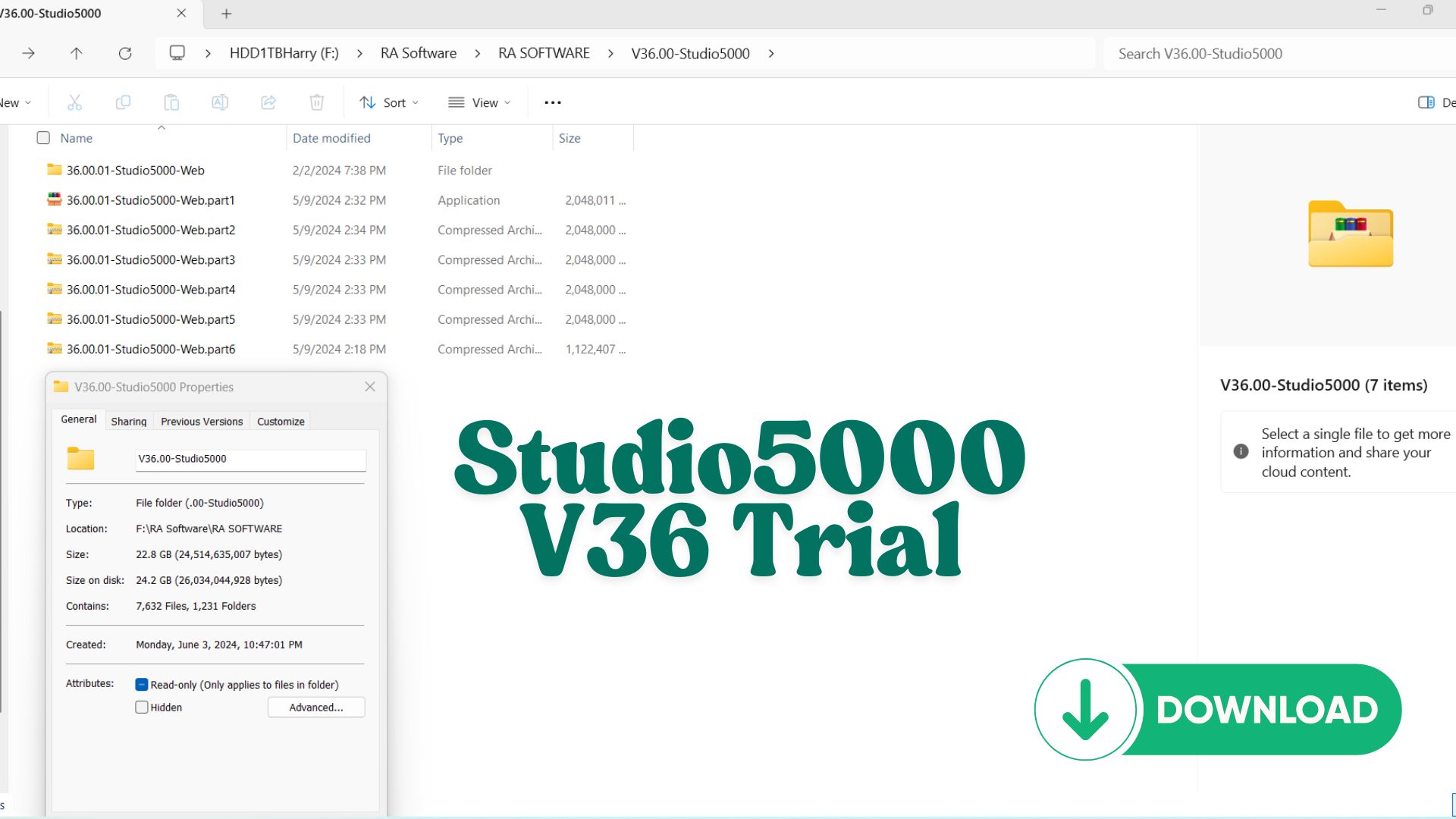
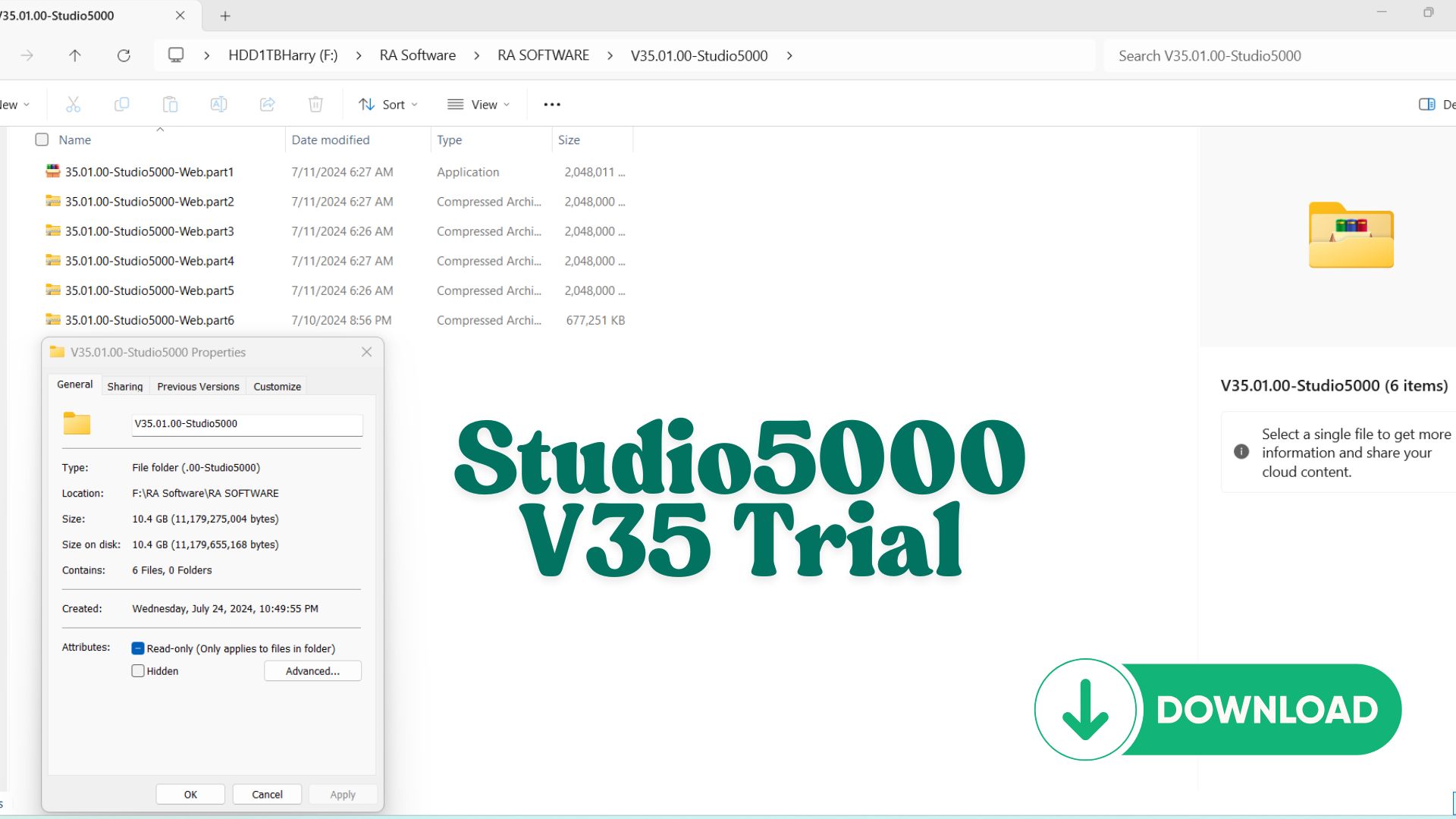
Share Source Code by vohauipr.com – Machine_KinetixUpgrade attached with Studio 5000 Version 35 & 36 Trial for testing only (7 days trial)
Upgrade your motion control skills with this Machine_KinetixUpgrade program developed by Vohauipr.com. The shared module includes Studio 5000 v35 & v36 trials so you can test and run the routine code immediately.
New Resource: Machine_Kinetix_Upgrade.ACD Source Code & Studio 5000 Trial Guide
Are you looking to optimize your motion control systems or study high-performance Kinetix drive integration? We are excited to share a comprehensive resource for automation engineers and PLC programmers.
You can now download the Machine_Kinetix_Upgrade.ACD source code directly from vohauipr.com. This project file is designed to demonstrate advanced logic structures and seamless hardware upgrades within the Rockwell Automation ecosystem.
Software Requirements & Testing Environment
To open and interact with this source code, you will need the appropriate environment. For those who do not have a permanent license, we recommend utilizing the trial versions provided by Rockwell for evaluation purposes:
-
Studio 5000 Logix Designer® Version 35
-
Studio 5000 Logix Designer® Version 36
Important Note on Trial Software: > The trial versions of Studio 5000 V35 and V36 are intended for testing and evaluation only. These versions typically come with a 7-day trial period. Please ensure your testing schedule aligns with this window to maximize your hands-on time with the
Machine_Kinetix_Upgrade.ACDfile.
Key Features of the Machine_Kinetix_Upgrade Project
The .ACD file includes structured logic and configurations that focus on:
-
Kinetix Drive Integration: Best practices for configuring and tuning servo drives.
-
Motion Instructions: Efficient use of MAM (Motion Axis Move), MAG (Motion Axis Gear), and MSO (Motion Servo On) instructions.
-
Code Scalability: Modular programming techniques that allow for easy hardware migration and upgrades.
-
Error Handling: Robust diagnostic routines for industrial environments.
How to Get Started
-
Download the Source Code: Visit vohauipr.com to grab the
Machine_Kinetix_Upgrade.ACDfile. -
Install Studio 5000: Set up either Version 35 or 36. If you are using the trial, do not activate it until you are ready to begin your 7-day testing phase.
-
Run Simulations: Use Logix Echo or FactoryTalk Logix Echo (for v35/v36) to simulate the motion profiles without needing physical hardware.
Conclusion
Staying ahead in industrial automation requires constant learning and testing. By analyzing professional-grade source code like the Machine_Kinetix_Upgrade, you can sharpen your skills in Studio 5000 and motion control.
Visit vohauipr.com today to download your copy and start testing!
Unlock Studio 5000 Version 35 & 36 Trial – Exclusive Learning Combo
For automation engineers who want hands-on experience with real industrial software, the Studio 5000 Logix Designer Version 35 & 36 Trial combo offers an excellent opportunity. Developed by Rockwell Automation, this software is widely used across global manufacturing systems.
This exclusive combo allows you to:
- Work with two popular versions (v35 & v36)
- Practice PLC programming in real-world environments
- Ensure compatibility with different industrial projects
What is Studio 5000 Version 35 & 36?
Studio 5000 Logix Designer is the core platform used to configure, program, and maintain Rockwell PLC systems such as:
- ControlLogix
- CompactLogix
- GuardLogix
Versions 35 and 36 are among the most commonly used releases in modern automation projects, offering stability, performance, and enhanced features.
Key Features of Studio 5000 Trial
Advanced PLC Programming Environment
- Supports multiple programming languages:
- Ladder Diagram (LD)
- Function Block Diagram (FBD)
- Structured Text (ST)
Real-Time Monitoring & Debugging
- Online editing without stopping the system
- Tag-based architecture for efficient data handling
- Powerful diagnostic tools
Seamless Integration
- Works perfectly with FactoryTalk View for HMI/SCADA
- Compatible with RSLinx for communication setup
Why Use Version 35 & 36 Together?
1. Project Compatibility
Different factories use different firmware versions. Having both versions helps you:
- Open and edit multiple project types
- Avoid version mismatch issues
- Support legacy and new systems
2. Industry-Relevant Skills
Learning both versions prepares you for:
- Real job environments
- System upgrades and migrations
- Troubleshooting version conflicts
3. Flexible Learning Experience
You can compare features, UI differences, and performance between versions, helping you become a more versatile engineer.
Benefits of the Trial Version
- Free access to full features for a limited time
- Ideal for learning, testing, and simulation
- No need for immediate hardware investment
Recommended Setup for Learning
To maximize your experience with Studio 5000 Trial:
- Install both versions (v35 & v36)
- Use additional tools:
- Logix Emulate (PLC simulation)
- RSLinx Classic (driver configuration)
Suggested Learning Workflow:
- Create a basic PLC program (Start/Stop logic)
- Simulate using Logix Emulate
- Monitor and debug in real time
- Test cross-version compatibility
Who Should Use This Combo?
- Automation engineering students
- Beginner PLC programmers
- Maintenance engineers working with Rockwell systems
- Professionals upgrading their PLC skills
Conclusion
The Studio 5000 Version 35 & 36 Trial combo is a powerful learning solution for anyone serious about industrial automation. With access to two widely used versions, you gain practical experience, improve compatibility skills, and prepare for real-world engineering challenges.
Reviews
There are no reviews yet.