Description
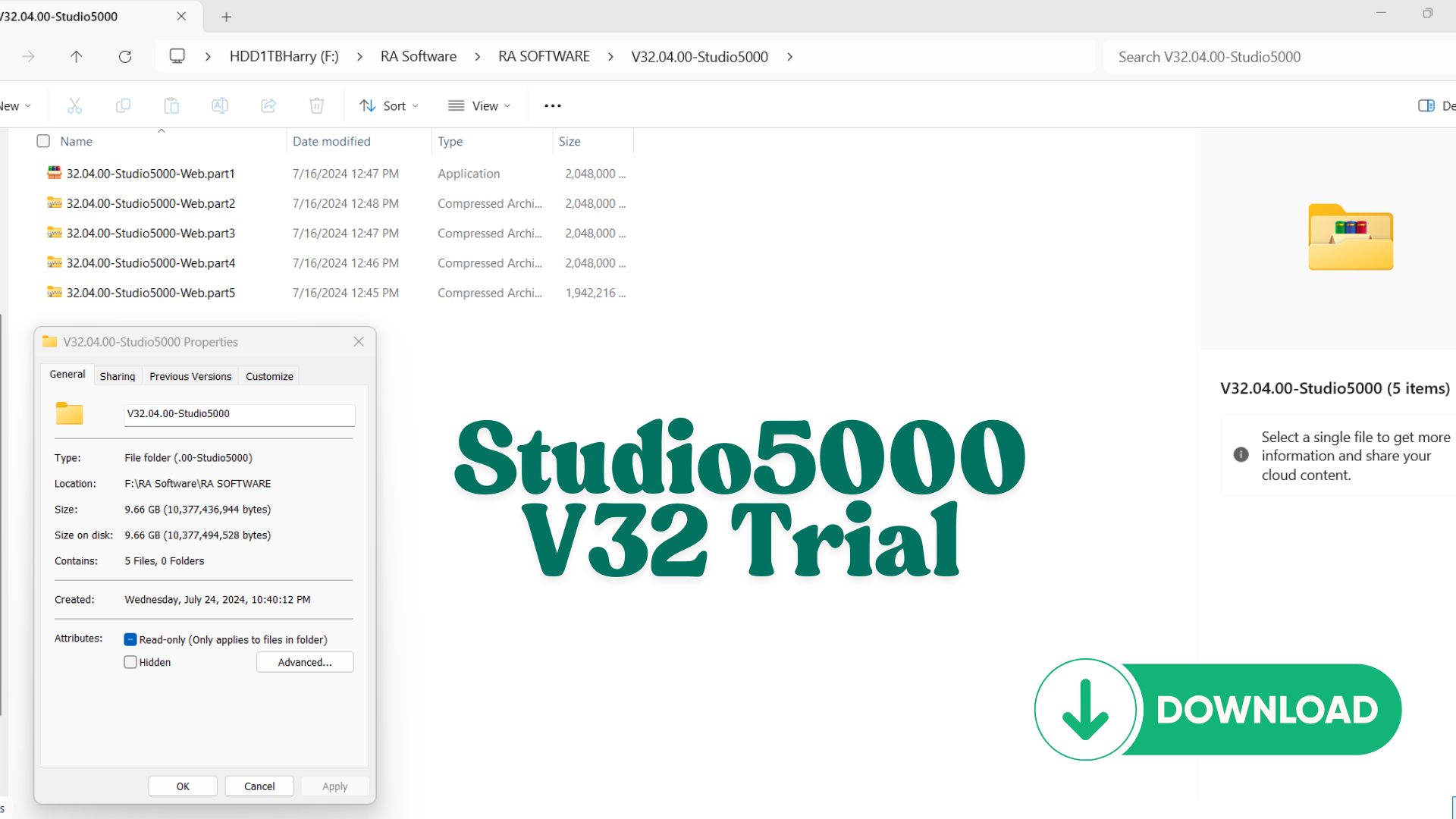
Studio 5000 Logix 32.00.00 Trial – Studio for Emulate with a Price as Friendly as a Few Cups of Coffee!
🚨 IMPORTANT NOTICE
Due to an issue with my PayPal account, payments via PayPal are currently unavailable.
To download the trial version of this software:
👉 Please join as a Diamond Member ($18) on my YouTube channel:
https://www.youtube.com/channel/UCbCxrrfy-brUqq2COXXreWg/join
📩 After joining, send an email to: vohauipr@vohauipr.com
I will provide you with a direct download link.
- Virtual Controller Emulation: Run, debug, and validate your Logix Designer applications without the need for physical hardware.
- Seamless Integration: Test your projects with minimal setup and directly integrate with Studio 5000 environments.
- Enhanced Debugging: Includes powerful tools for troubleshooting and optimizing your ladder logic, structured text, and function block diagrams.
Why Choose This Trial?
Get hands-on experience with cutting-edge emulation technology for the cost of a cup of coffee! This affordable trial gives you the flexibility to explore Studio 5000 Logix Emulate’s features and ensure it fits your needs before committing to a full license.
What’s Included?
- Download link for the trial version (DVD ISO format).
- Support for modern Windows operating systems.
- Comprehensive user guide to help you get started quickly.
System Requirements:
- Compatible with Windows 10/11 (64-bit).
- At least 8GB RAM and 20GB of free disk space recommended.
Overview of Studio 5000 Logix 32.00.00 Trial for Emulation
Studio 5000 Logix Designer 32.00.00 Trial is a professional PLC programming platform developed by Rockwell Automation. When combined with Logix Emulate, it becomes a powerful environment for developing, testing, and simulating automation systems without physical hardware.
This trial version is especially useful for:
- Learning PLC programming from scratch
- Testing control logic offline
- Developing automation projects in a virtual environment
What is Studio 5000 Logix 32.00.00?
Studio 5000 Logix Designer is the core engineering software used to configure and program Rockwell’s Logix-based controllers.
Supported PLC Families:
- ControlLogix
- CompactLogix
- GuardLogix
Programming Languages:
- Ladder Diagram (LD)
- Function Block Diagram (FBD)
- Structured Text (ST)
Key Capabilities:
- Real-time monitoring and debugging
- Tag-based programming system
- Modular and scalable project structure
- Integration with HMI/SCADA systems
Studio 5000 with Logix Emulate – Why It Matters
By integrating Studio 5000 with Logix Emulate, users can simulate PLC behavior on a computer.
Key Benefits:
- No need for physical PLC hardware
- Safe testing environment for logic validation
- Faster development and troubleshooting
- Ideal for training and demonstrations
Typical Use Cases:
- Automation training labs
- Offline project development
- Debugging before deployment
- SCADA/HMI integration testing
Key Features of Version 32.00.00 Trial
The 32.00.00 version offers stable performance and compatibility with many industrial systems.
Highlights:
- Compatible with Logix Emulate 32
- Improved user interface and workflow
- Reliable tag handling and diagnostics
- Enhanced communication setup via RSLinx
Trial Limitations:
- Time-limited usage period
- Some advanced features may be restricted
- Intended for learning and evaluation only
How to Use Studio 5000 Trial for Emulation
To set up a complete simulation environment:
Required Components:
- Studio 5000 Logix Designer 32.00.00 Trial
- Logix Emulate 32
- RSLinx Classic
Basic Workflow:
- Create a new PLC project in Studio 5000
- Select Emulate controller type
- Configure communication in RSLinx
- Download program to Emulate
- Run and monitor logic in real time
Benefits for Automation Engineers
1. Hands-on Learning Without Hardware
You can practice PLC programming anytime without investing in expensive equipment.
2. Industry-Standard Skills
Studio 5000 is widely used in global industries, making it a valuable skill for engineers.
3. Faster Development Cycle
Simulation reduces commissioning time and minimizes on-site errors.
Who Should Use This Trial Version?
- Students in automation and mechatronics
- Beginner PLC programmers
- Engineers testing new control logic
- System integrators preparing offline projects
Conclusion
Studio 5000 Logix 32.00.00 Trial for Emulate is an essential tool for anyone looking to master PLC programming and simulation. With its powerful features and seamless integration with Logix Emulate, it provides a realistic and efficient environment for developing industrial automation systems.

Reviews
There are no reviews yet.