



Description
Share Source Code by vohauipr.com – Gillette_SFC_CodeGlue attached with FactoryTalk View 14 Trial + Studio 5000 Trial
Discover a real-world SFC automation project developed by Vohauipr.com. This source code package (basecode/program code) is shared via donation and includes FactoryTalk View 14 and Studio 5000 trial software, so you can instantly open, test, and modify the application code.
Boost Your Industrial Automation Skills with the Gillette SFC CodeGlue Project
Are you looking to master Sequential Function Chart (SFC) programming within the Rockwell Automation ecosystem? We are excited to share an exclusive source code resource: Gillette_SFC_CodeGlue.ACD.
This project serves as a comprehensive template for understanding structured control logic, specifically tailored for engineers working with high-performance automation sequences. By downloading this source, you can deconstruct professional-grade logic and apply these patterns to your own industrial applications.
Key Features of Gillette_SFC_CodeGlue
-
Structured SFC Logic: Gain insights into how complex sequences are broken down into manageable steps and transitions.
-
Modular Design: The code is structured for scalability, making it easy to integrate into larger Studio 5000 projects.
-
Best Practices: Implements industry-standard naming conventions and documentation within the routine.
Essential Software for Testing
To successfully run and test the .ACD file, you will need the following software environment. If you do not have a full license, you can utilize the Trial Versions provided by Rockwell Automation:
-
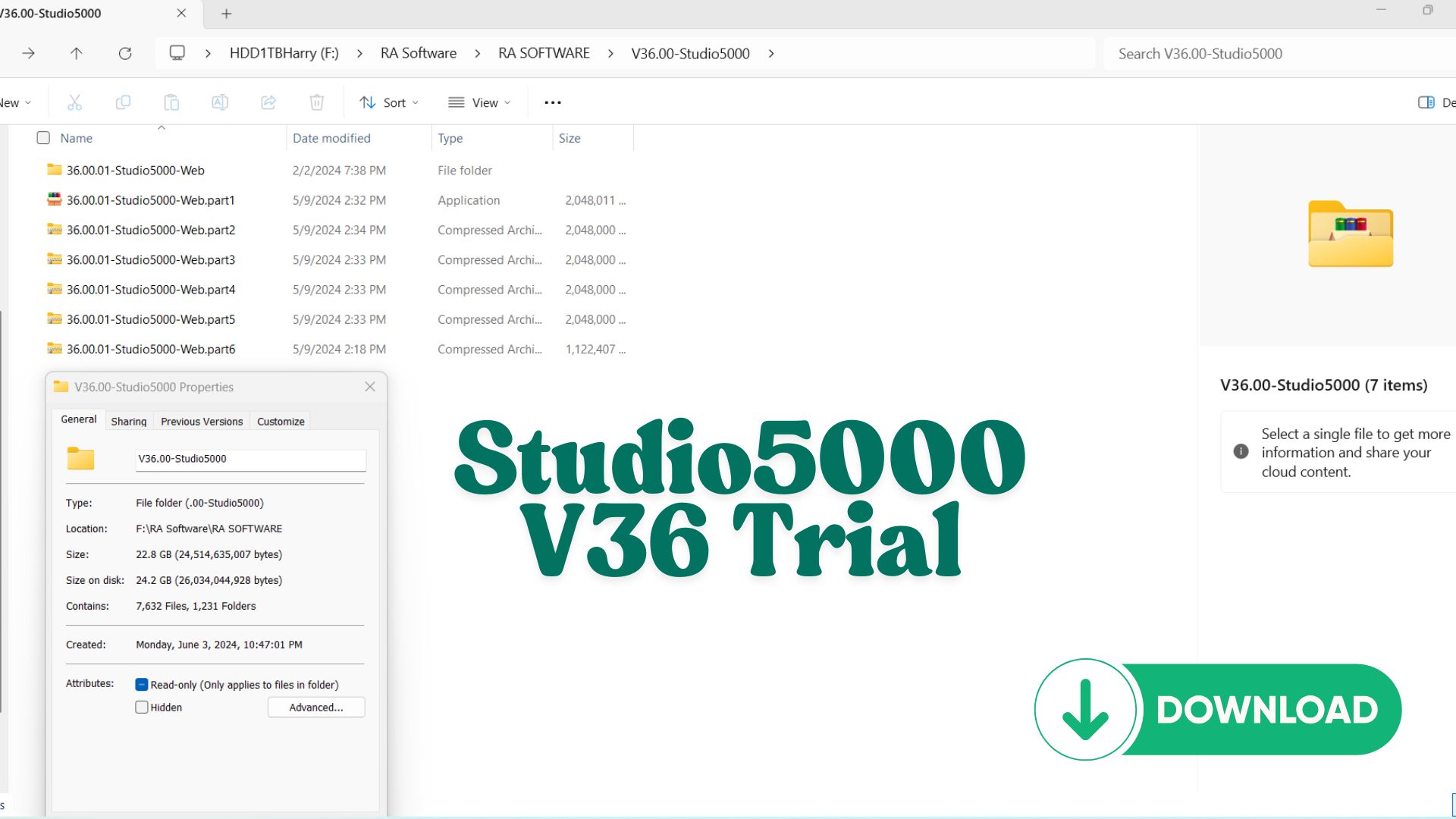
Studio 5000 Logix Designer (Trial): The primary environment for configuring, programming, and maintaining the Allen-Bradley Logix5000 family of controllers.
-
FactoryTalk View (Trial): Used to develop and run the HMI application to visualize the SFC process in real-time.
Important Note: These trial versions are intended for evaluation and testing purposes only. The trial period typically allows for 7 days of full functionality, giving you a week-long window to explore the logic and run your simulations.
How to Get Started
-
Download the Source Code: Access the
Gillette_SFC_CodeGlue.ACDfile directly from our repository. -
Install the Environment: Ensure Studio 5000 and FactoryTalk View are installed on your workstation.
-
Run the Simulation: Open the project file, verify the controller tags, and use the FactoryTalk View interface to observe the SFC transitions.
Why SFC?
Sequential Function Charts are highly effective for processes that follow a defined series of states. Unlike traditional Ladder Logic, SFC allows for a visual representation of the machine’s “state machine,” making troubleshooting significantly faster and more intuitive for maintenance teams.
Download the source code today at vohauipr.com and take your PLC programming to the next level!
Introduction to a Free Learning Combo for Automation Engineers
If you’re looking for a professional way to learn PLC and HMI programming without spending too much money, the combo of FactoryTalk View Studio 14 Trial + Studio 5000 Logix Designer Trial is one of the best choices available.
Developed by Rockwell Automation, this software suite is widely used in modern industrial systems worldwide.
With this combo, you can:
- Program PLCs (ControlLogix / CompactLogix)
- Design professional HMI/SCADA interfaces
- Simulate and test real automation systems
What is FactoryTalk View 14 Trial?
FactoryTalk View Studio 14 is a powerful HMI/SCADA development platform that supports:
- Machine Edition (ME) – for PanelView HMIs
- Site Edition (SE) – for large-scale SCADA systems
Key Features:
- Drag-and-drop graphical interface design
- Native integration with Rockwell PLCs
- Alarm, Trend, and Data Logging support
- User authentication and security control
Trial Version Benefits:
- Full feature access for a limited time
- Ideal for learning, testing, and demo projects
Studio 5000 Trial – Industry-Leading PLC Programming Software
Studio 5000 Logix Designer is the core software for programming Rockwell PLC systems.
Supported Controllers:
- ControlLogix
- CompactLogix
- GuardLogix
Programming Languages:
- Ladder Diagram (LD)
- Function Block Diagram (FBD)
- Structured Text (ST)
Key Advantages:
- Professional-grade development environment
- Powerful debugging and online monitoring
- Seamless integration with FactoryTalk View
Why You Should Learn This Combo
1. Global Industry Standard
This ecosystem is used in industries such as:
- Automotive manufacturing
- Food & beverage
- Oil & gas
- Energy and utilities
2. Boost Your Career Opportunities
Mastering Rockwell tools gives you a strong advantage for roles like:
- Automation Engineer
- PLC Programmer
- SCADA Engineer
3. From Beginner to Advanced
You can:
- Start with basic PLC logic
- Progress to full SCADA system development
How to Use the Trial Combo Effectively
To get the most out of the trial versions:
- Install both:
- Studio 5000
- FactoryTalk View Studio
- Use additional tools:
- Logix Emulate (PLC simulation)
- RSLinx Classic (communication driver)
Suggested Learning Path:
- Learn Ladder Logic in Studio 5000
- Create a basic PLC project
- Connect HMI using FactoryTalk View
- Design control screens (Start/Stop, Alarms, etc.)
- Run and test simulations
Who Should Use This Combo?
- Automation students
- Entry-level engineers
- Professionals switching to PLC/SCADA
- Technicians upgrading their skills
Conclusion
The FactoryTalk View 14 Trial + Studio 5000 Trial combo is a powerful and cost-effective way to build real-world automation skills. With industry-standard tools and realistic simulation capabilities, it’s the perfect starting point for anyone aiming to become a skilled Automation Engineer.


Reviews
There are no reviews yet.