

Description
Download & Learn a Real Industrial PLC Project Source Code by vohauipr – RSLogix 500 Training Project with Official Trial Version
In modern industrial automation, hands-on experience is the most effective way to master PLC programming. That’s why vohauipr.com shares a real-world industrial project source code designed specifically for learning and practical training.
This project is developed as a realistic PLC application, helping engineers and students understand how real systems operate in factories using Rockwell PLC programming with RSLogix 500.
To make learning easier, you can also use the official RSLogix 500 Trial v12.00 to open, simulate, and test the project in a safe training environment.
About This Source Code Project
This shared project is not just a simple example—it is a real industrial-style control system built based on practical engineering logic.
Key highlights:
- Developed by vohauipr.com as a learning-focused industrial project
- Based on real PLC programming structure used in factories
- Suitable for beginners and intermediate automation engineers
- Helps understand ladder logic, I/O mapping, and process control flow
- Designed for use with RSLogix 500 environment
Software Used for Testing
To run and study this project, you will need:
- RSLogix 500
- Official RSLogix 500 Trial Version (v12.00) for educational and testing purposes
With the trial version, you can:
- Open and view the project source code
- Simulate PLC logic behavior
- Learn step-by-step industrial automation programming
- Practice troubleshooting and debugging PLC systems
What You Will Learn From This Project
By studying this source code, you will gain practical knowledge in:
- PLC Ladder Logic Programming
- Industrial control system structure
- Real input/output signal processing
- Sequence control design
- Alarm and safety logic handling
- Real factory automation workflow simulation
This is especially useful for learners who want to move from theory to real industrial application skills.
Why This Project Is Valuable
Unlike simple tutorial examples, this project is designed with real engineering logic, making it closer to what is used in actual factories.
Benefits:
- Practical, not theoretical only
- Structured like real industrial PLC projects
- Helps prepare for job roles in automation engineering
- Easy to study using RSLogix 500 Trial environment
Who Should Use This Source Code?
This project is ideal for:
- PLC beginners learning RSLogix 500
- Automation engineering students
- Technicians upgrading their PLC skills
- Engineers preparing for industrial projects
- Anyone interested in Rockwell PLC systems
——————————————————————————
Download the RSLogix 500 Trial V12.00 software, designed for programming Rockwell PLCs. This user-friendly software provides a comprehensive environment for developing, testing, and maintaining ladder logic programs. With features such as an intuitive interface, powerful debugging tools, and extensive help resources, RSLogix 500 enables efficient control system design and automation processes. Ideal for both beginners and experienced users, this trial version allows you to explore the capabilities of Rockwell Automation’s programming solutions before committing to a purchase. Experience seamless integration with Rockwell’s hardware and enhance your PLC programming skills today!
————————————————
🔧 Key Features of RSLogix500 V12.00 Trial Version
-
Full Ladder Logic Editing: Create, modify, and test your PLC ladder logic programs.
-
Compatible with SLC 500 & MicroLogix Series: Specifically designed for Allen-Bradley’s classic PLC families.
-
Offline Simulation: Test your logic without connecting to real hardware.
-
User-Friendly Interface: Easy navigation and intuitive design for beginners and experts alike.
-
Integrated Help & Troubleshooting Tools: Useful documentation and error tips right in the software.
If you are stepping into the world of industrial automation, specifically working with Allen-Bradley SLC 500 or MicroLogix controllers, RSLogix 500 is the industry-standard programming software you need.
While Rockwell Automation typically requires a paid license for its premium features, many users look for a trial version or the free “Lite” version to get started with learning and simulation. Here is everything you need to know about downloading and installing RSLogix 500.
Why Choose RSLogix 500 v12.00?
The v12.00 update is one of the most stable releases, offering:
-
Enhanced Compatibility: Full support for Windows 10 and Windows 11.
-
Broad Hardware Support: Seamless integration with the SLC 500 and MicroLogix families.
-
Advanced Diagnostics: Improved error-checking and reporting tools for ladder logic.
Step-by-Step Guide: Downloading the Software
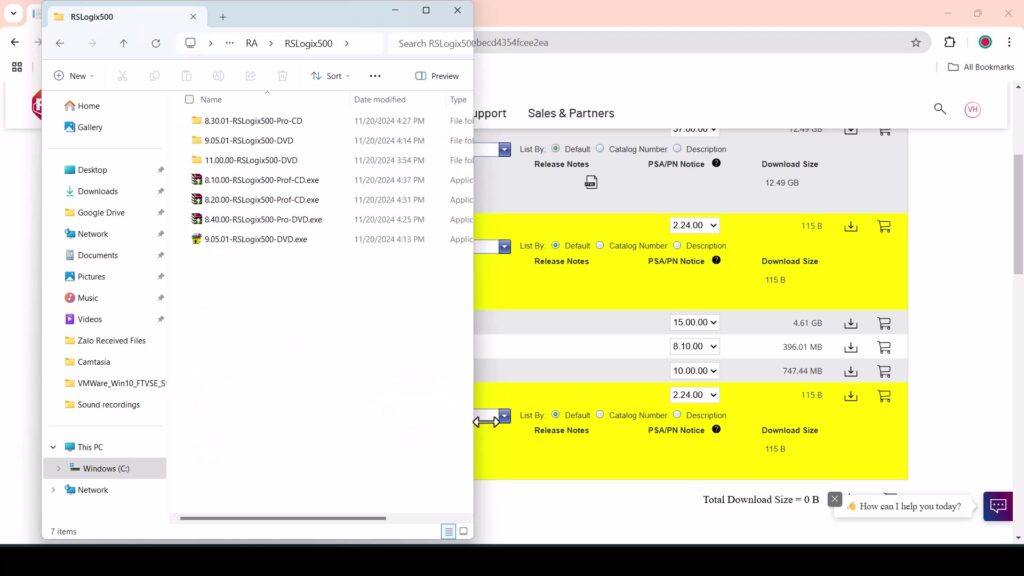
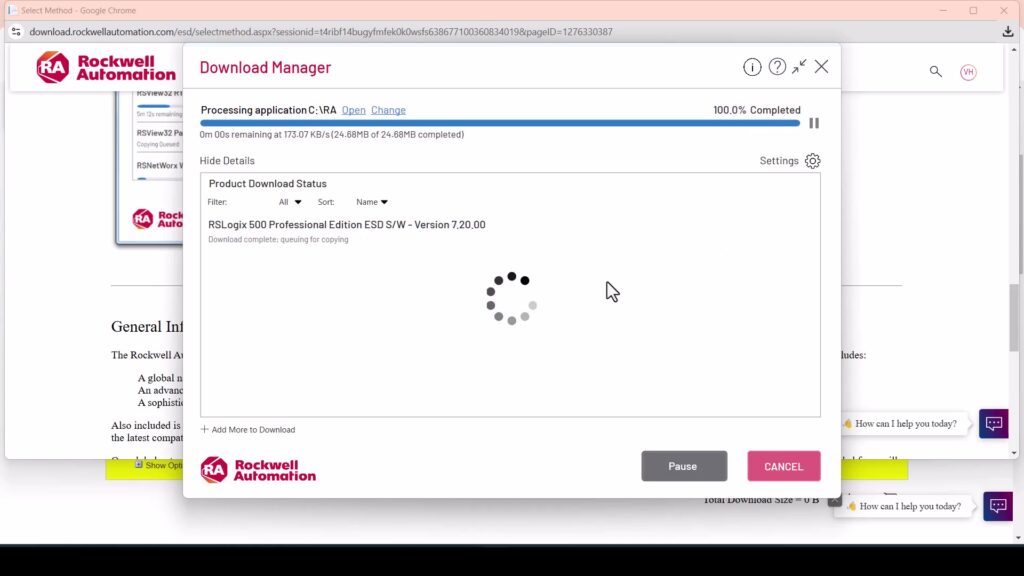
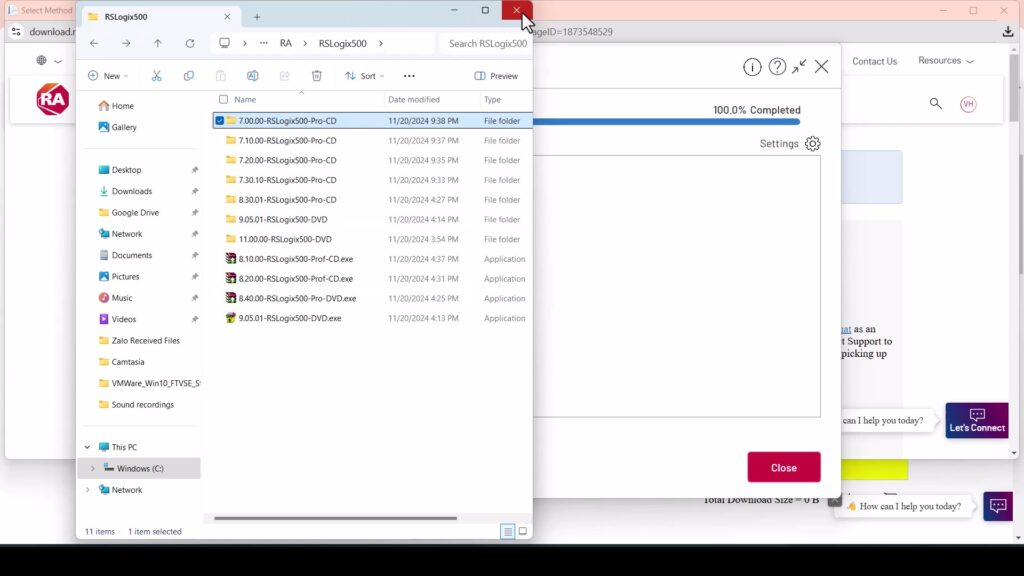
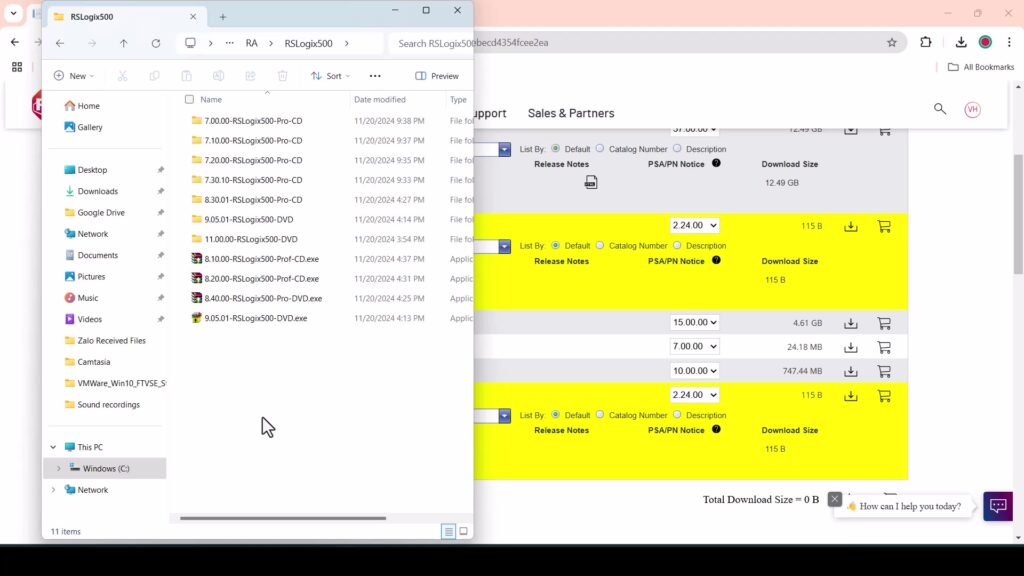
To ensure you are getting a secure and functional version, always prioritize the official Rockwell Automation Compatibility & Downloads center.
1. Access the Rockwell Automation Website
Navigate to the Rockwell Automation Product Compatibility and Download Center (PCDC).
2. Search for RSLogix 500
In the search bar, type “RSLogix 500”. You will see several versions. Select Version 12.00 from the dropdown menu.
3. Sign In or Create an Account
You will need a free Rockwell Automation account to access downloads. Once logged in, you can add the software to your “Download Cart.”
4. Choose the “Lite” Version (Free Option)
If you are looking for a “trial,” Rockwell offers RSLogix Micro Starter Lite. This version is free to download and allows you to program MicroLogix 1000 and 1100 controllers without a paid activation. It is the perfect legal alternative to a time-limited trial.
System Requirements for v12.00
Before installing, ensure your PC meets these specifications:
-
Operating System: Windows 7 SP1, Windows 10, or Windows 11 (64-bit recommended).
-
RAM: Minimum 4GB (8GB recommended for smoother performance).
-
Hard Drive: At least 2.5GB of free space.
-
Communication: RSLinx Classic is required to establish a connection between the software and the PLC.
Key Features of the RSLogix 500 Environment
-
Flexible Editors: Use drag-and-drop ladder logic editing to speed up development.
-
Project Verifier: Automatically checks for syntax errors and conflicting addresses.
-
I/O Configuration: Simple graphical interface to configure your rack and modules.
Note: If you are a student or a hobbyist, consider pairing your download with RSLogix Emulate 500. This allows you to test your code on a virtual PLC without needing physical hardware.
Reviews
There are no reviews yet.